Airbnb & vacation rentals
Your stay, as beautiful as it really is
Turn the photos you already have into listing images and videos that book — for the listing, your site and social.
- More emotion. More enquiries.
- Every room, one look — in a single pass
- Videos you can share everywhere
Stays4.9 · 128 reviews
Bright apartment with garden views
Kaputh · Potsdam
6 guests · 3 bedrooms · 4 beds
€189
per night
Availability
Fri 12 — Sun 14 Sep
Photos
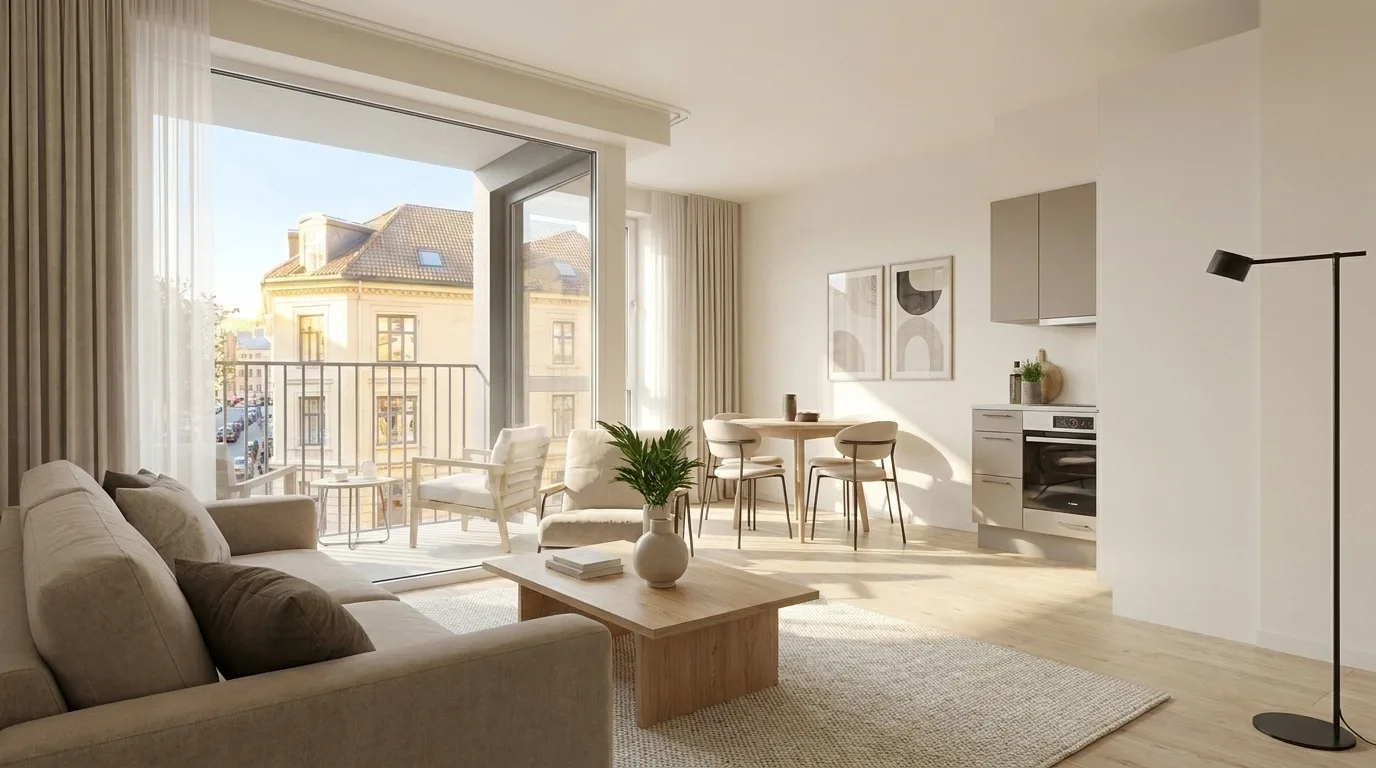
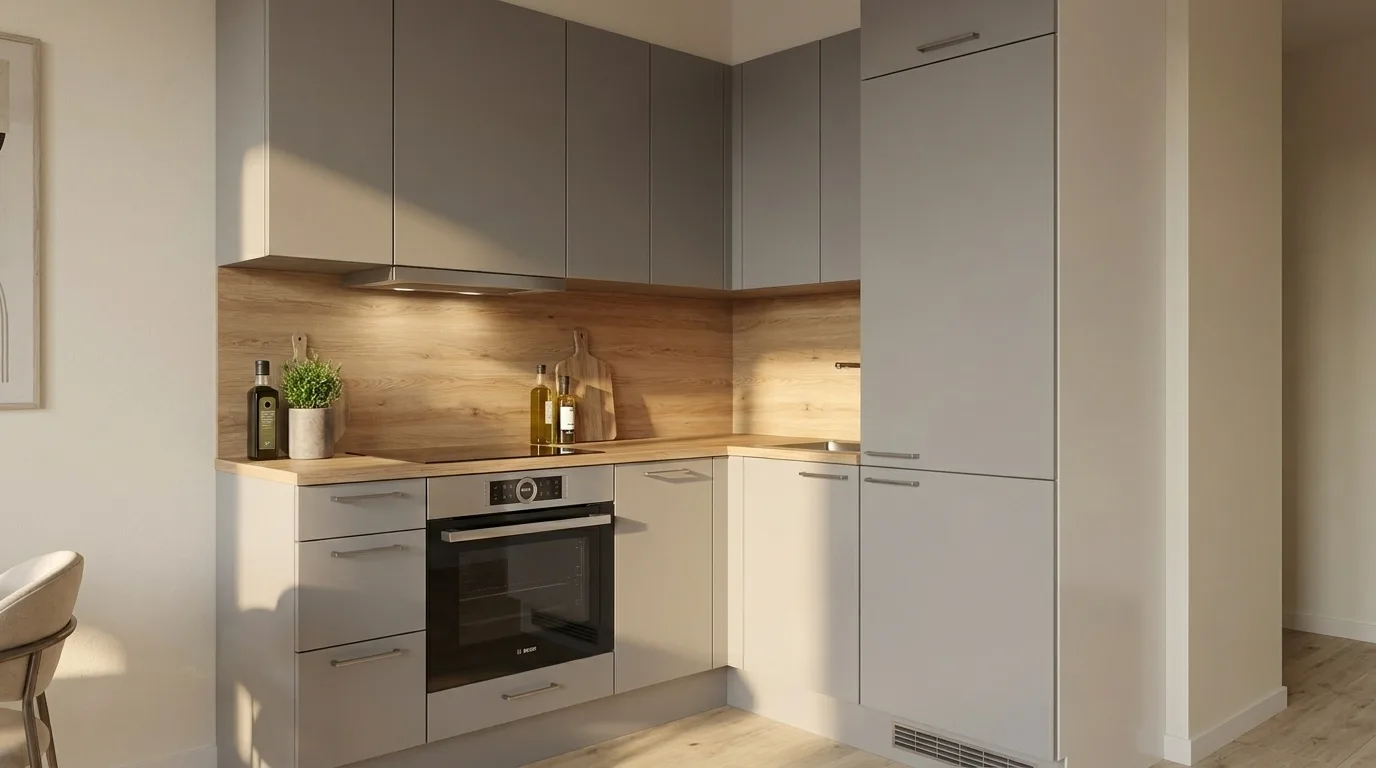
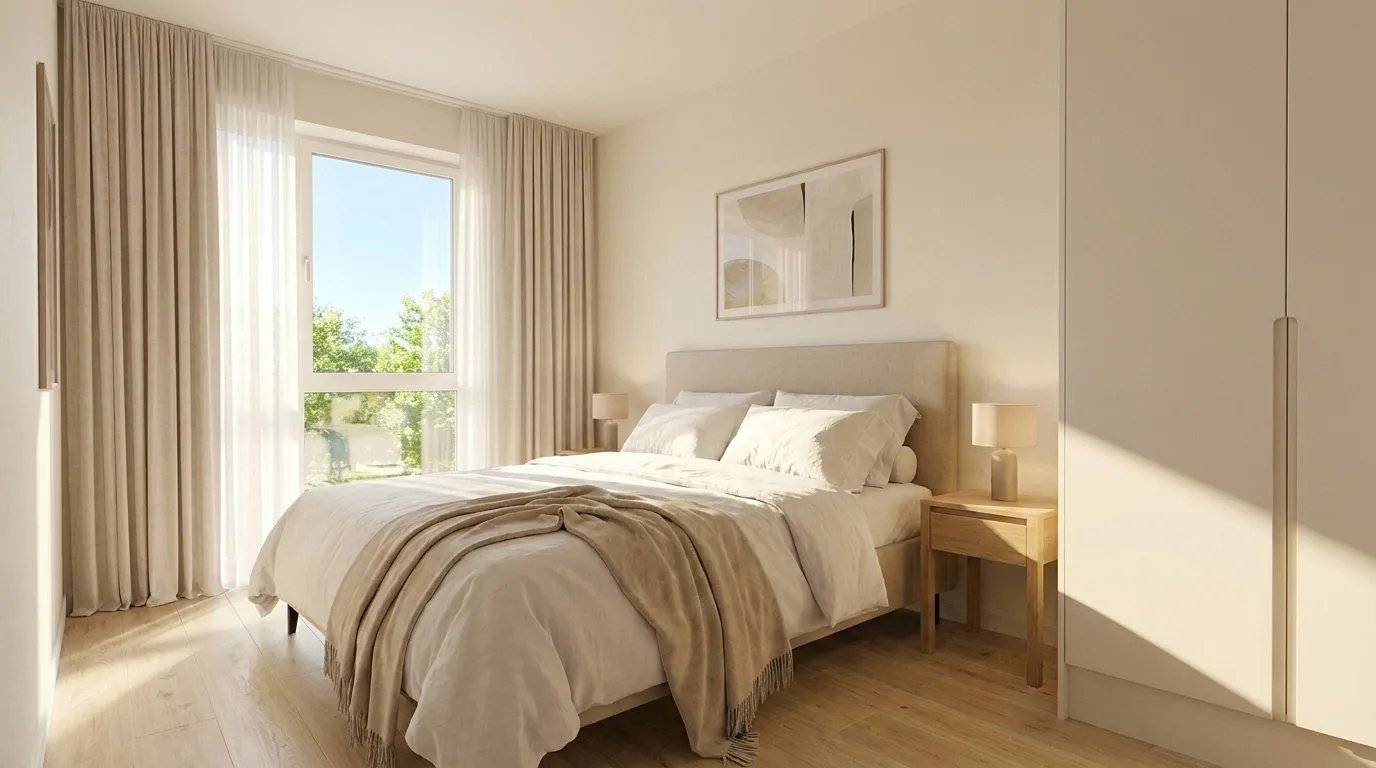
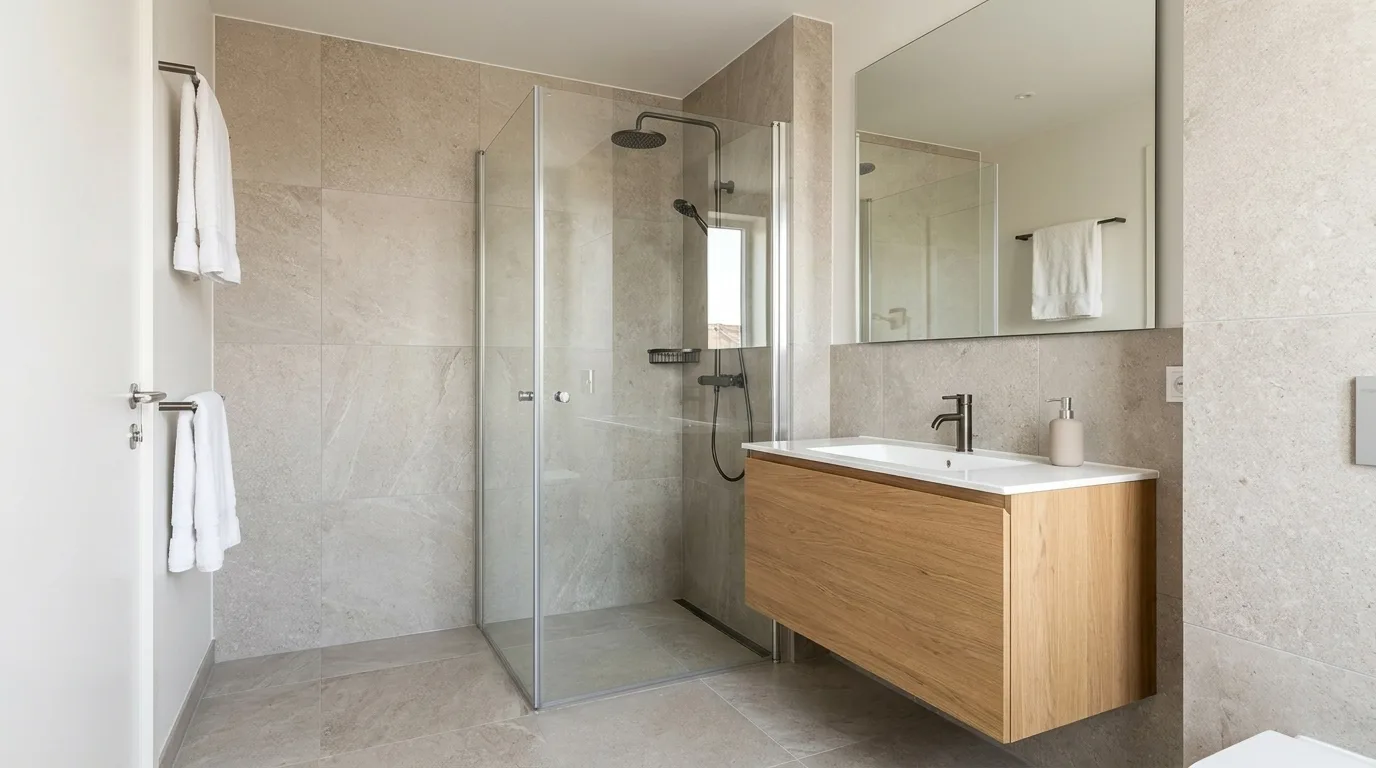
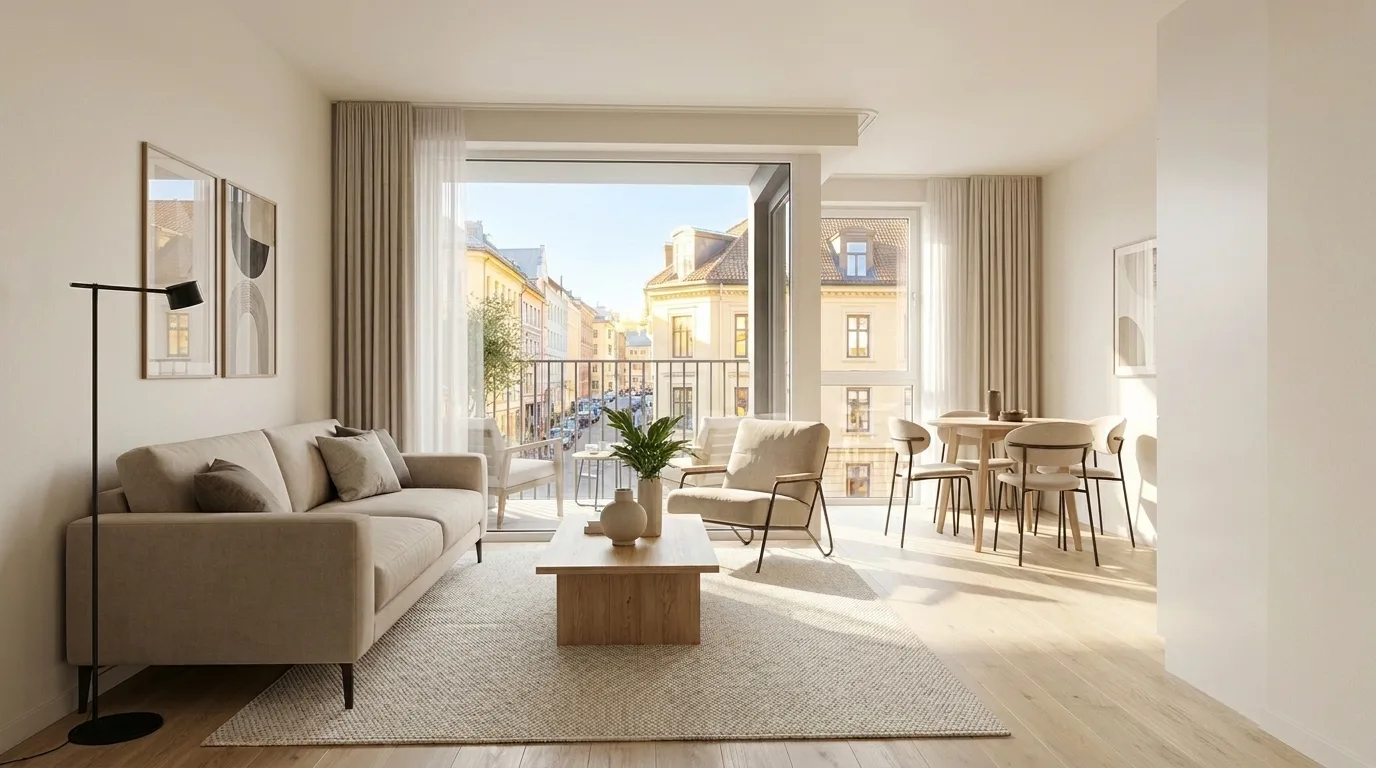
Photos that match the feel of the stay
Guests book when they can imagine the stay. Before and after shows the jump from an everyday snapshot to a listing that feels like being there.
After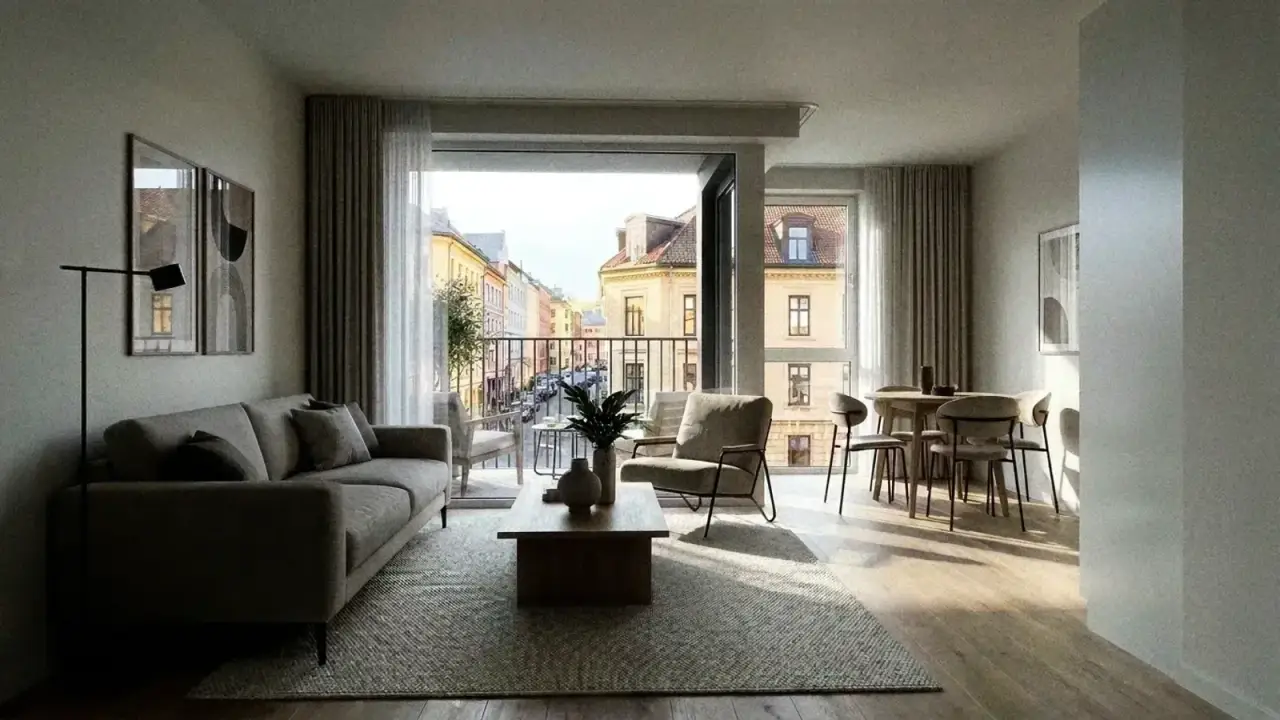 Before
‹›
Drag to compare
After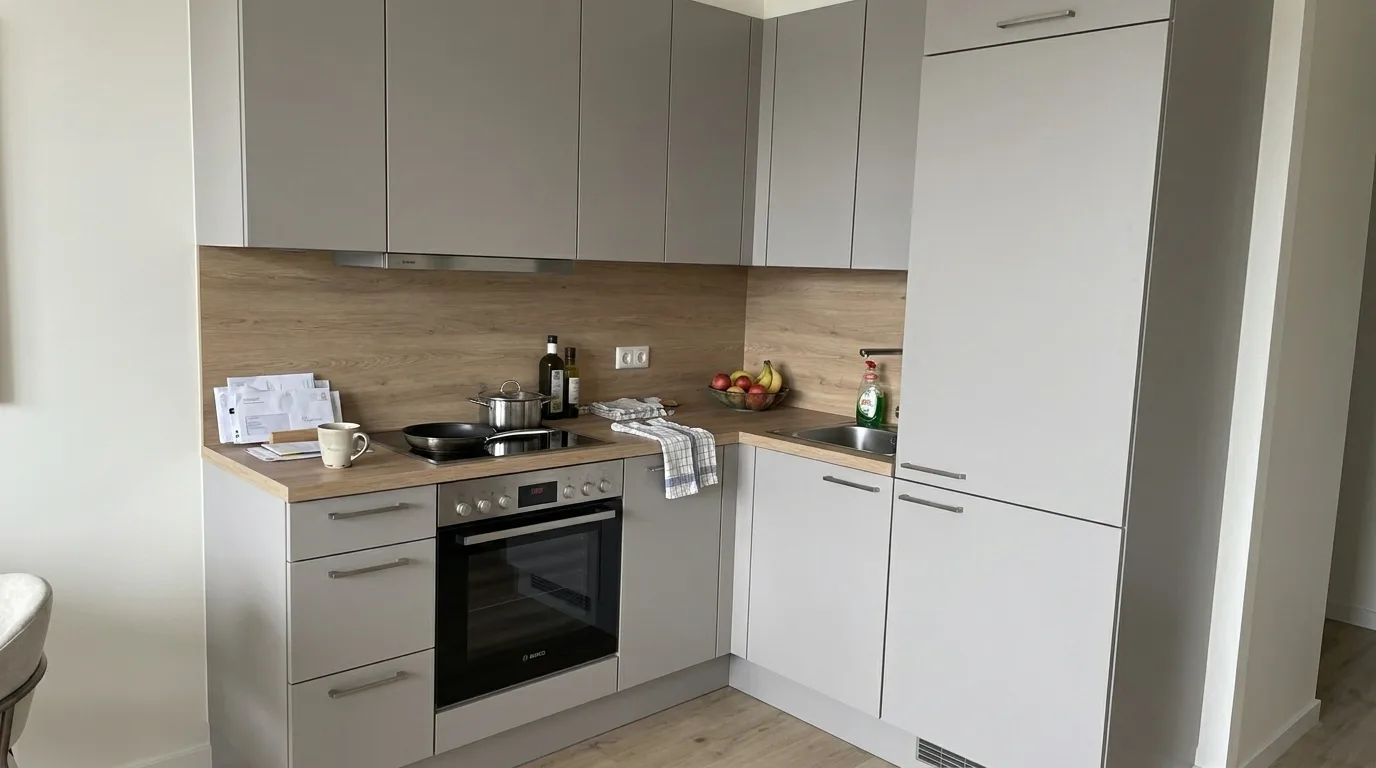 Before
‹›
Drag to compare
After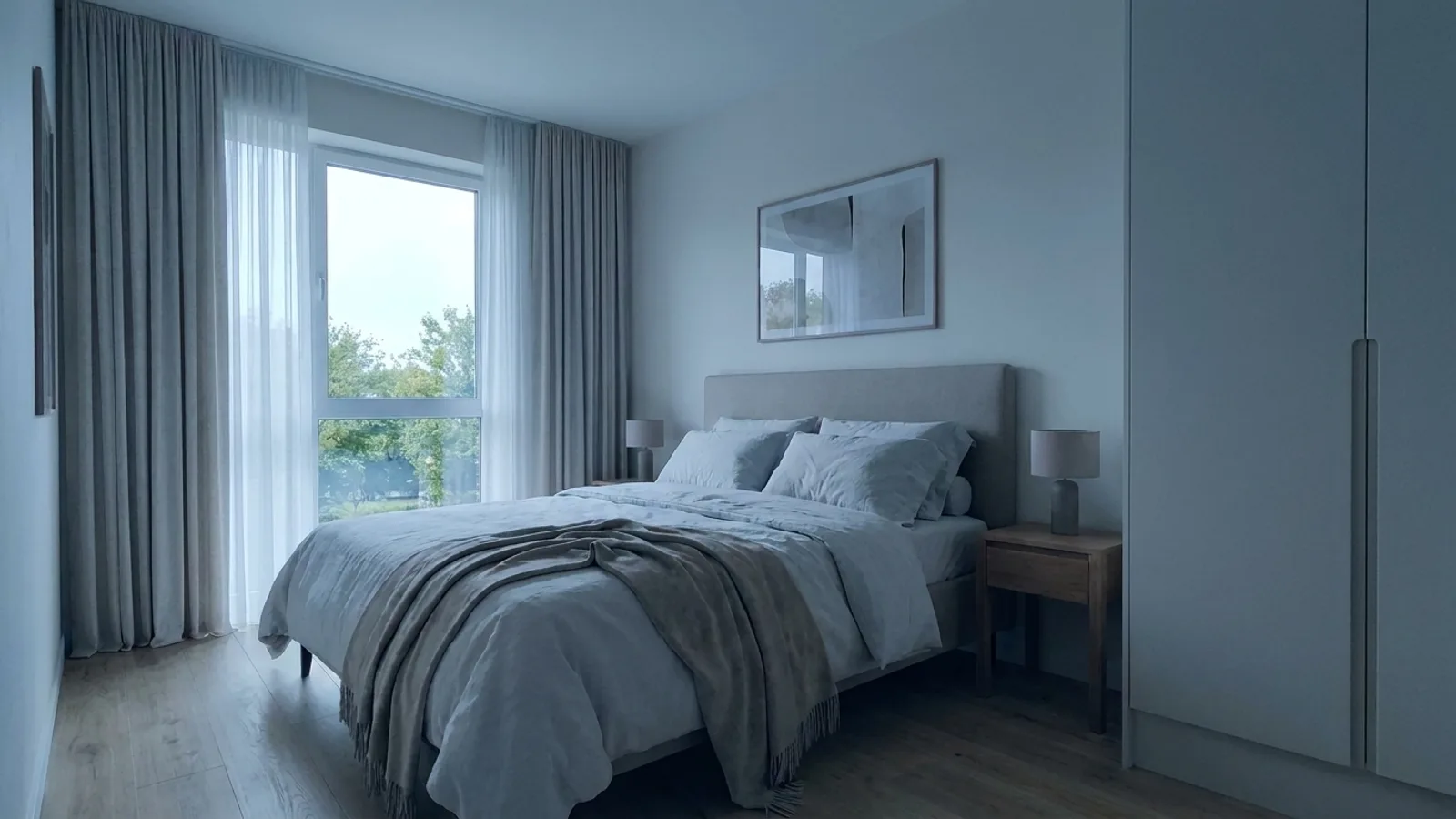 Before
‹›
Drag to compare
After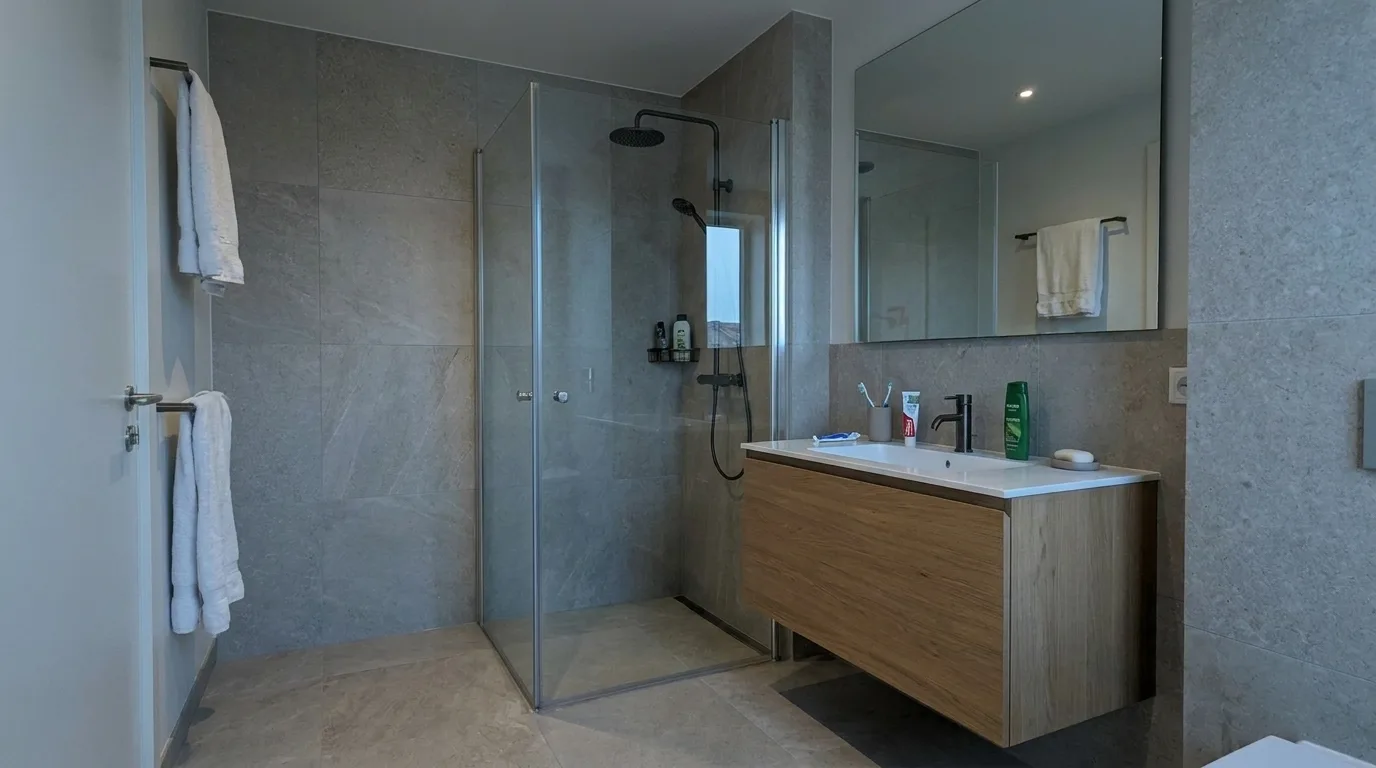 Before
‹›
Drag to compare
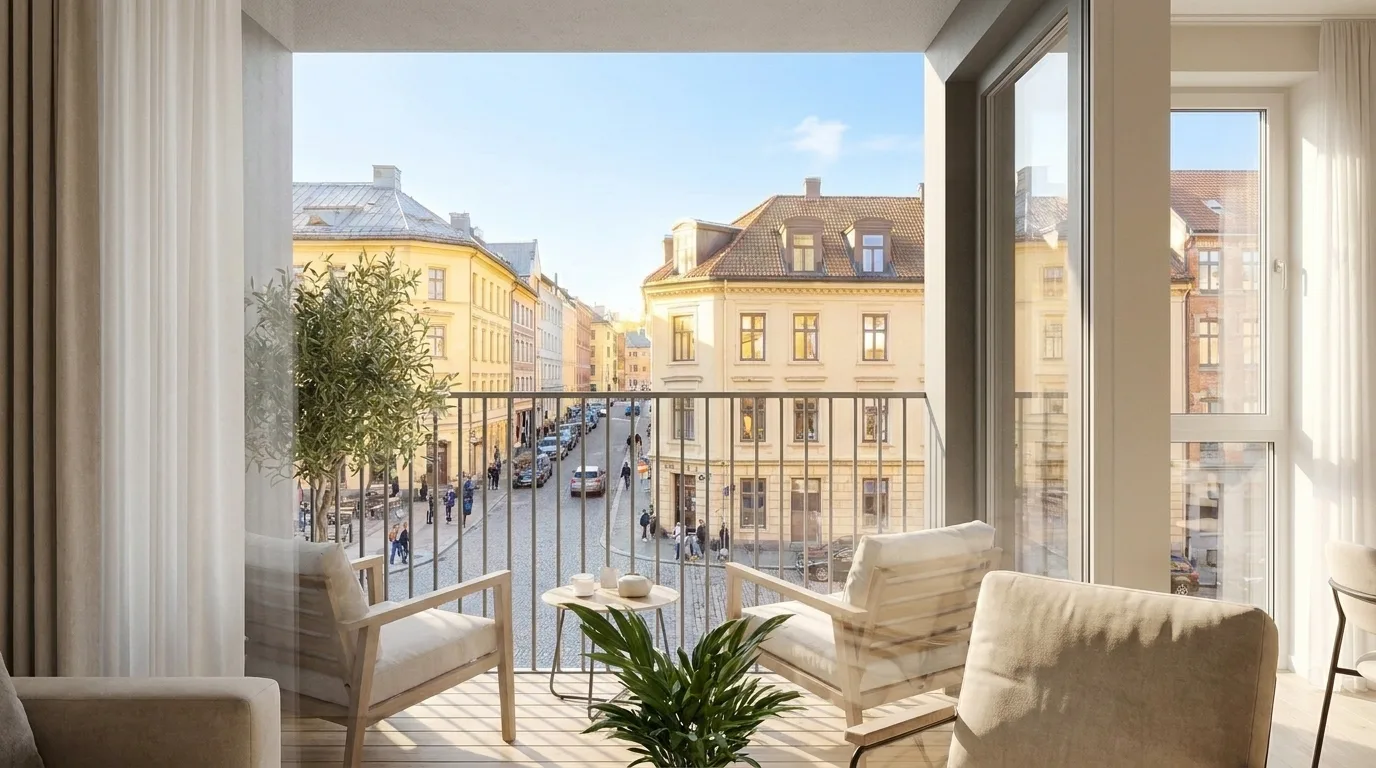
- Match brightness, order and mood — the rooms stay recognisably yours
- Kitchen, bathroom, bedroom and living area in one look
- The same set for an Airbnb listing, a Booking.com upload and your own website
Videos
Stay videos you can share everywhere
From the same photos: landscape for the listing, vertical for reels, stories and chat. You export the files and publish them where your guests already are.
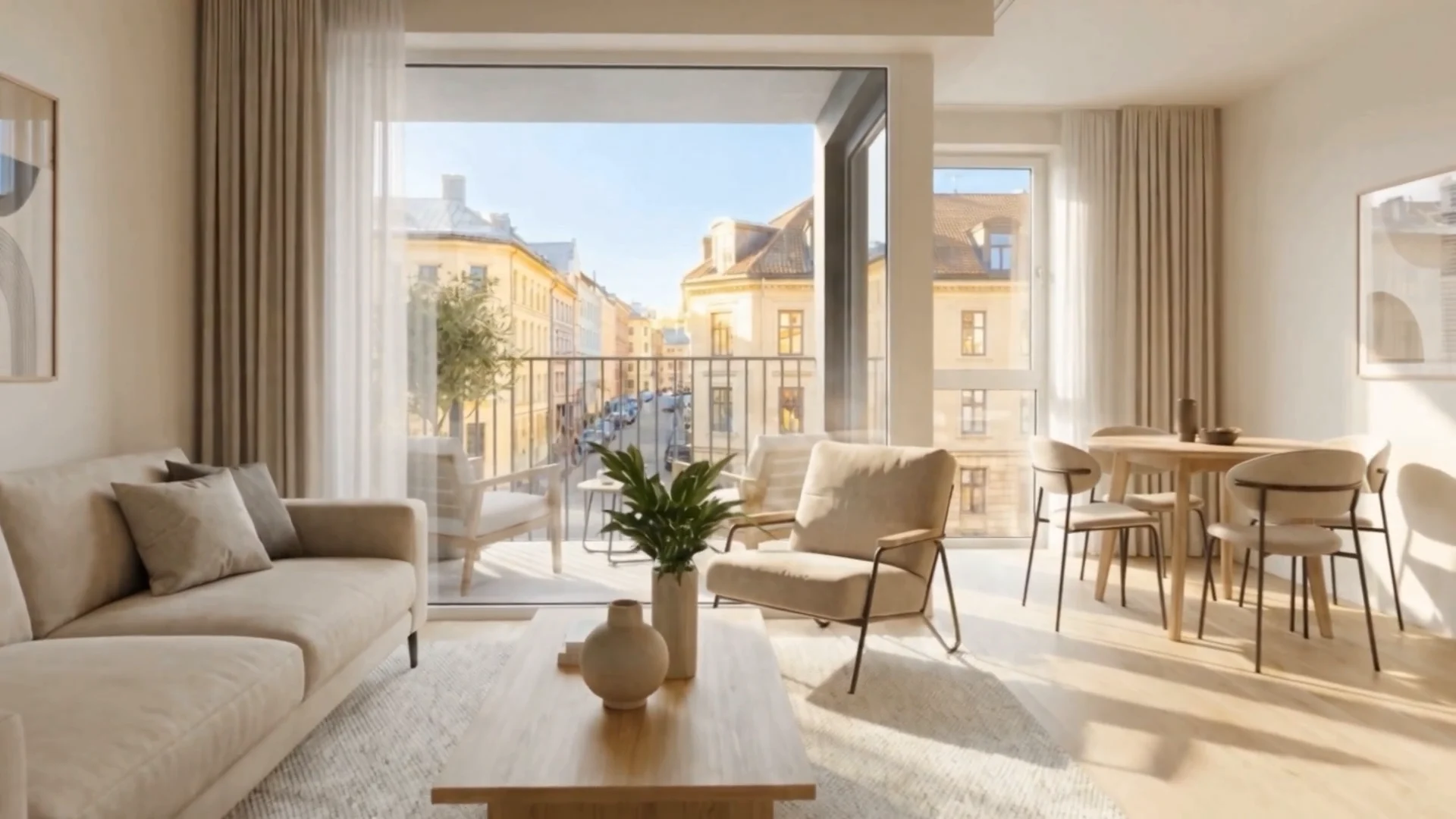
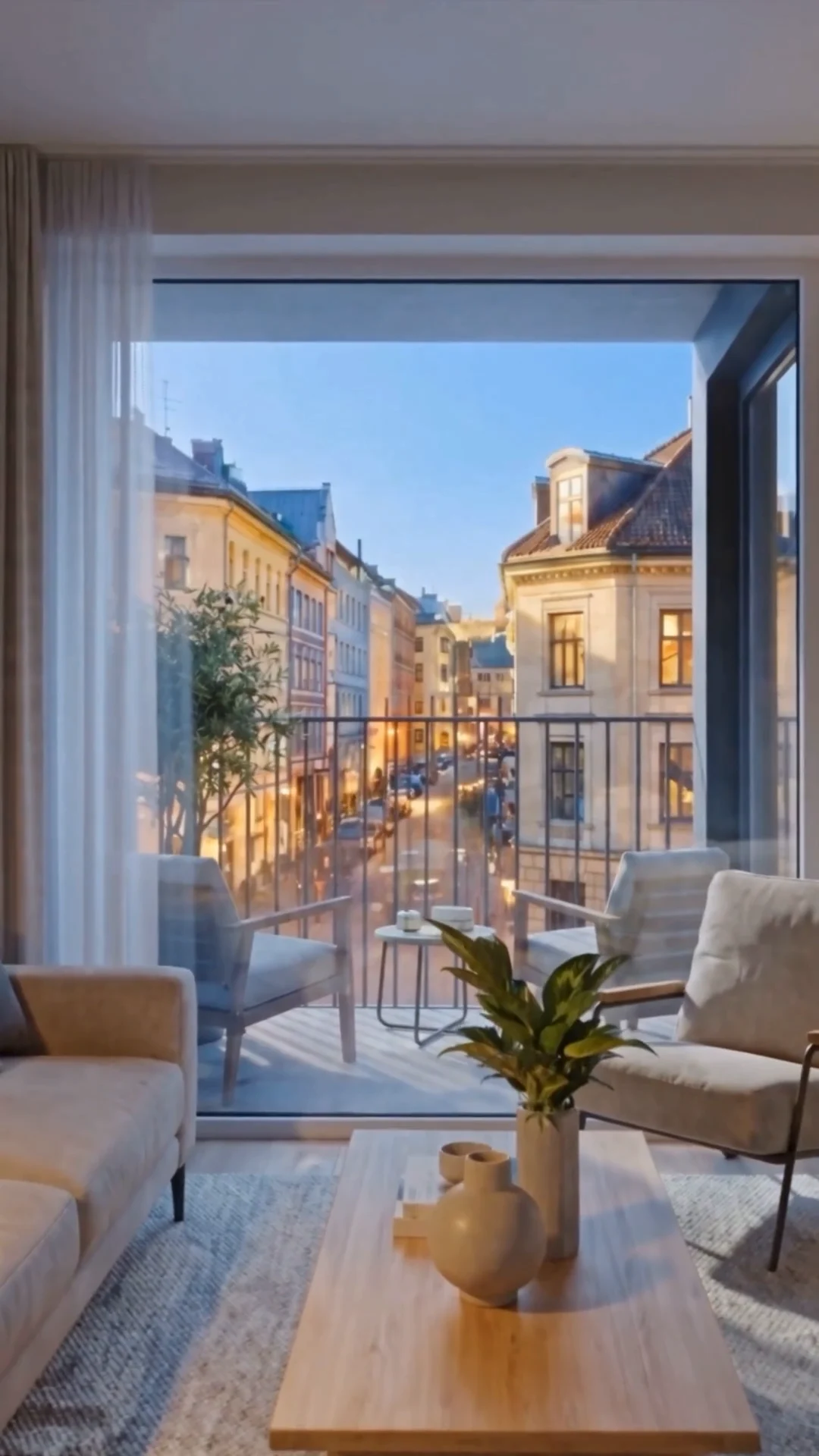
- In the listing as a walkthrough or cover video
- On your own booking site and in guest emails
- In reels, stories and chats — the same material, a different crop
Frequently asked questions about Airbnb photos and stay videos
For hosts who use the same photos for listing, website and social.
Can I upload AIXpose-edited photos to Airbnb?
Yes, as ordinary image files. You export the photos and upload them in your listing — the same way you already do.
Will the stay still look like the real property?
That is the aim: lift brightness, order and mood so guests recognise the home and can imagine staying there. AIXpose should not invent a different property. You remain responsible for an accurate portrayal.
Are phone photos enough as a starting point for an Airbnb listing?
Often yes. Many hosts already have usable shots of the kitchen, bathroom, bedroom and living area. AIXpose prepares that material for a brighter, more consistent listing look.
How is this different from virtual staging?
Virtual staging furnishes empty rooms. For an active vacation rental the job is usually brightening, decluttering and a natural look with the furniture already there. Which tools you use depends on the property — AIXpose covers both in image editing.
Can I make listing and social videos from the same photos?
Yes. From the enhanced set you can create landscape videos for the listing and website, plus vertical cuts for reels, stories and messengers. You share the same files where your guests already spend time.
Can I use the same photo and video set on Booking.com and my own website?
Yes. A consistent set works for booking platforms, your own booking page, a Google Business Profile and social media. You upload the files in each channel yourself.
How should I handle Airbnb rules on edited photos?
Platform rules change. AIXpose is not legal advice. Stay truthful about the property and check Airbnb’s current requirements before you publish.
How quickly can I get a full listing set?
In typical cases, processing the full listing takes 10–15 minutes at most. You upload the rooms, align the look and export the set for the listing.
Let your next Airbnb listing feel like the stay
Try AIXpose free with photos already on your phone — images and videos for listing and social.