Editing existing photos
Upload your own property photos and edit them with property-specific tools.
 Adobe Firefly
Edit existing images in the Firefly image editor.
Adobe FireflyNew property photos should be quickly portal-ready – without controlling a general creative AI every time. In AIXpose you upload the photos, choose the property tool and generate the results. Firefly remains a broad image and video tool in Adobe’s creative offering.
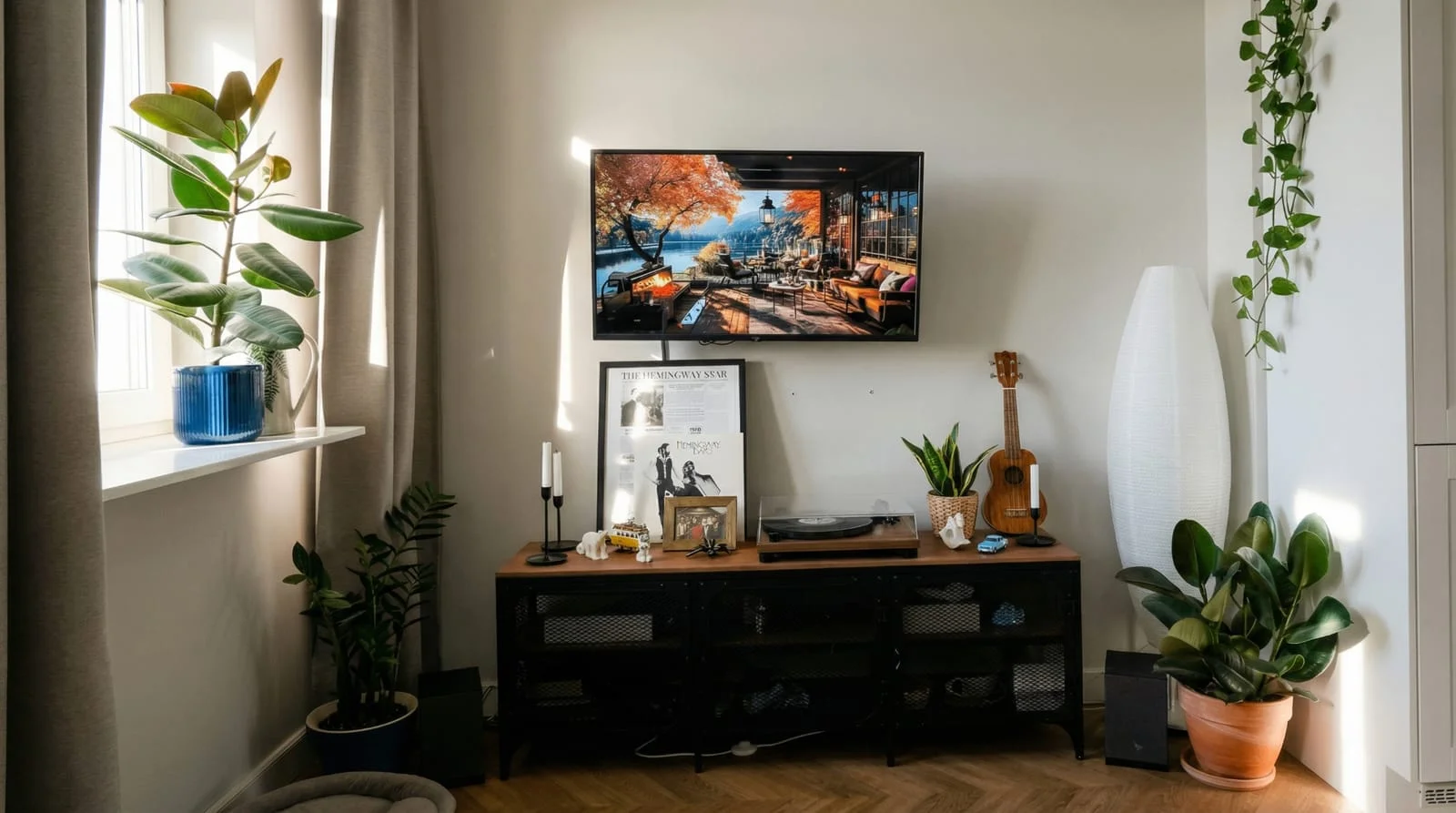 After
After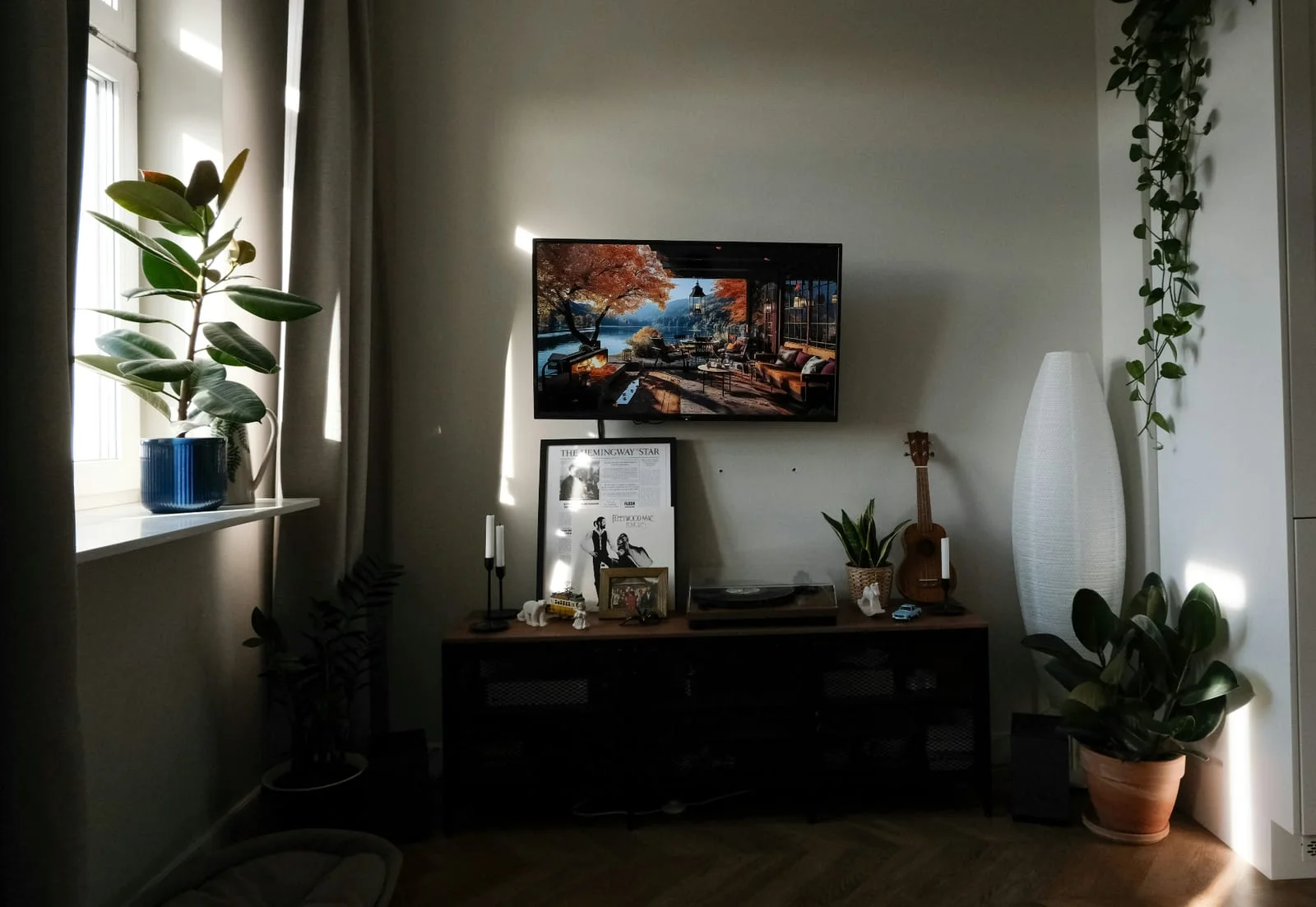 Before
Firefly can take images, videos and launches. AIXpose bundles the same needs as a ready-made property workflow: upload gallery, choose a tool, generate.
Upload your own property photos and edit them with property-specific tools.
Adobe FireflyEdit existing images in the Firefly image editor.
Remove properties with the decluttering tool.
Adobe FireflyRemove unwanted elements with Generative Remove.
Create single clips and complete property videos from property photos.
Adobe FireflyUse image-to-video generation in the creative offer.
Enhancement, staging and decluttering for ongoing object marketing.
Adobe FireflyGeneral generative tools for different design tasks.
Optimize multiple property photos together; designed for working on multiple properties.
Adobe FireflyBatch actions, among other things, via Creative Production for Enterprise with appropriate authorization.
Upload photos, choose property-specific tool, generate and download.
Adobe FireflyEditing via general image tools and instructions.
Sources: Image editing and video, Creative Production.
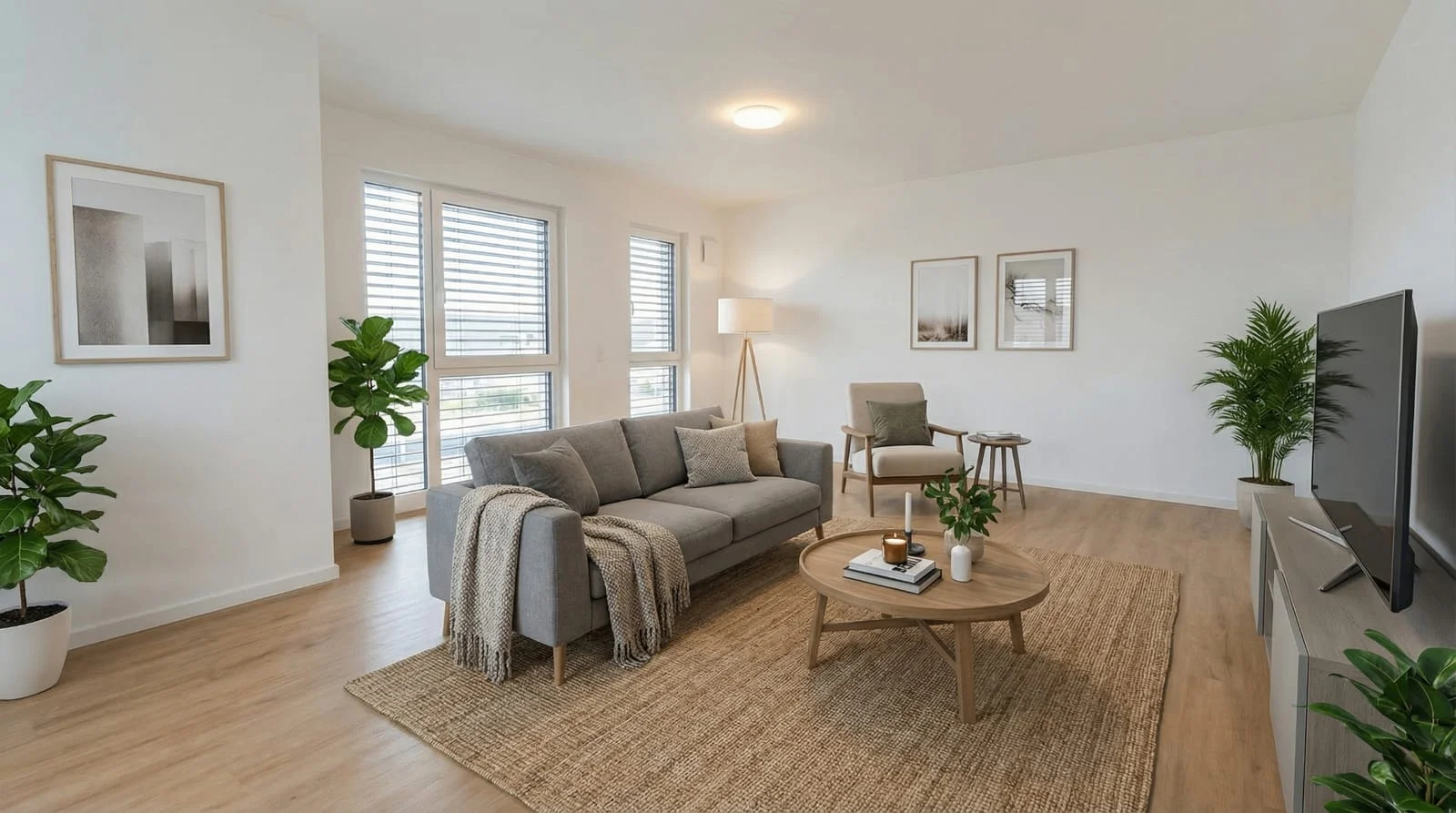 After
After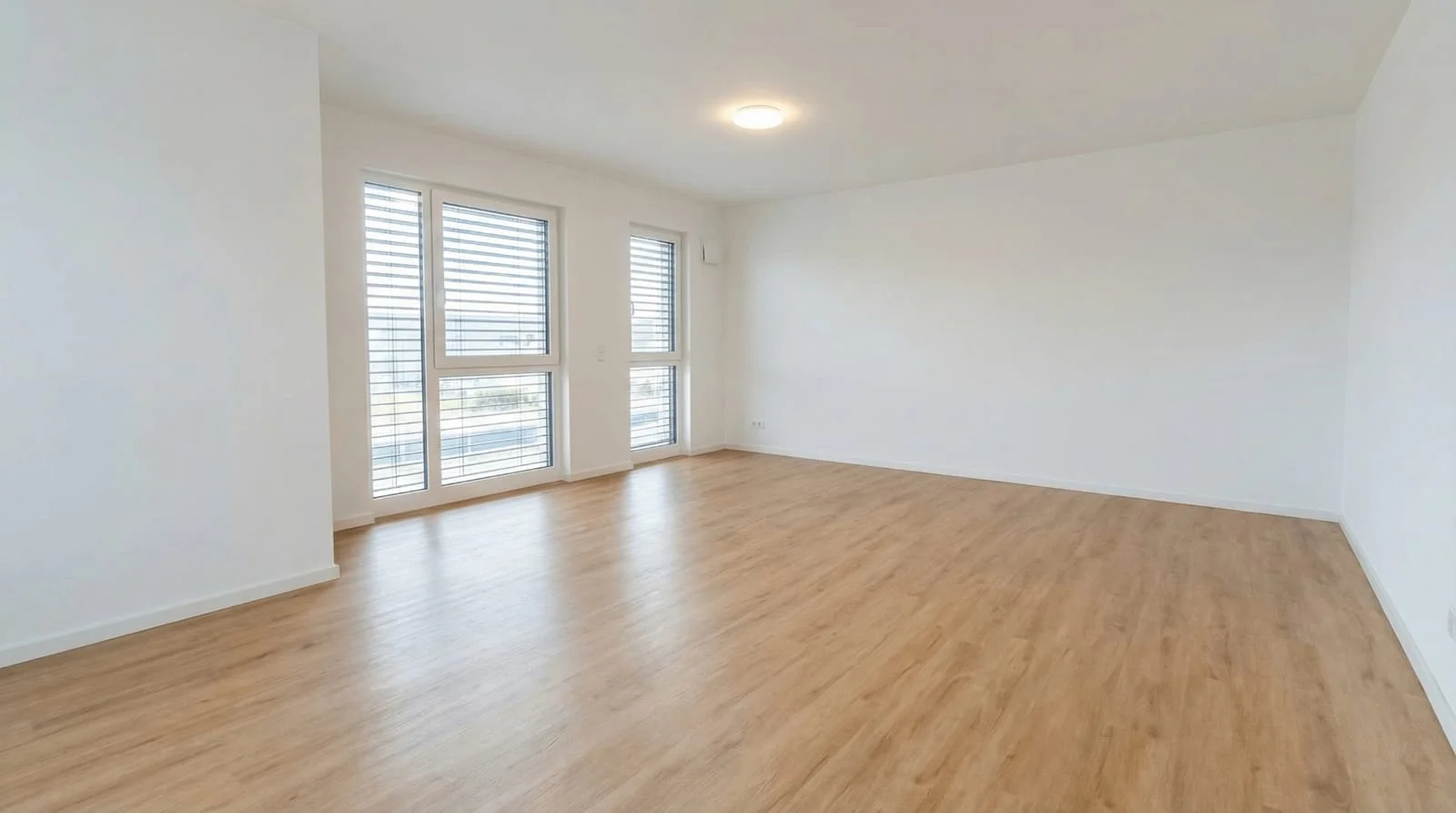 Before
Start with the photos of your next properties. Optimize the photo set, edit individual rooms and supplement your marketing with property videos.
Optimizing property photosComparison of AIXpose based on publicly available provider information and our own product details. As of 17 September 2026. Not an independent product test.