Virtual staging
Set up empty rooms virtually with AI.
 Apply Design
Use automatic staging or the additional furniture editor.
Apply DesignEmpty rooms should appear regularly furnished – and the other property photos and videos should run along with them. In AIXpose, you start staging yourself, optimize further photos and generate videos from the same images. Apply Design combines automatic staging with a furniture editor.
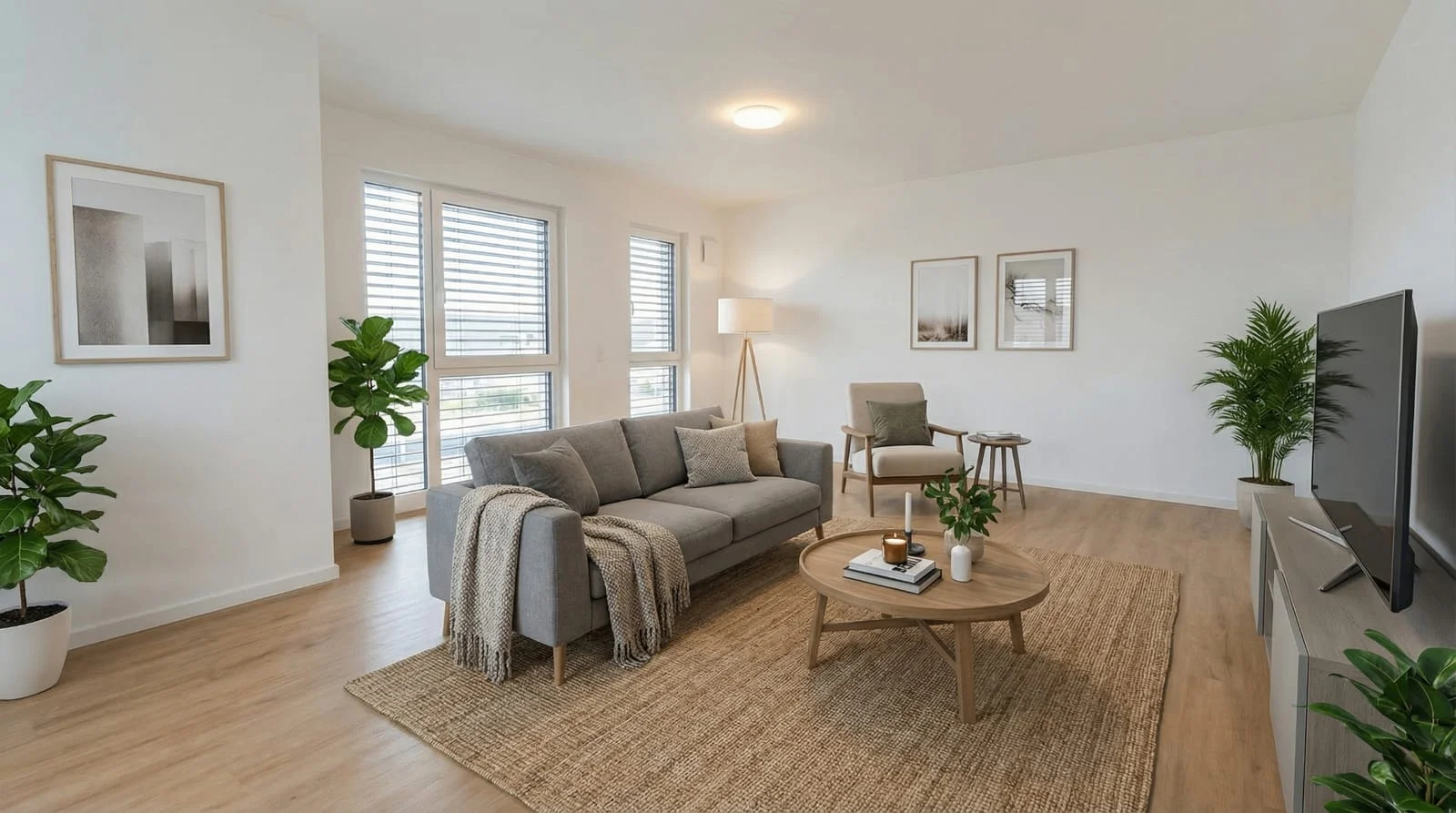 After
After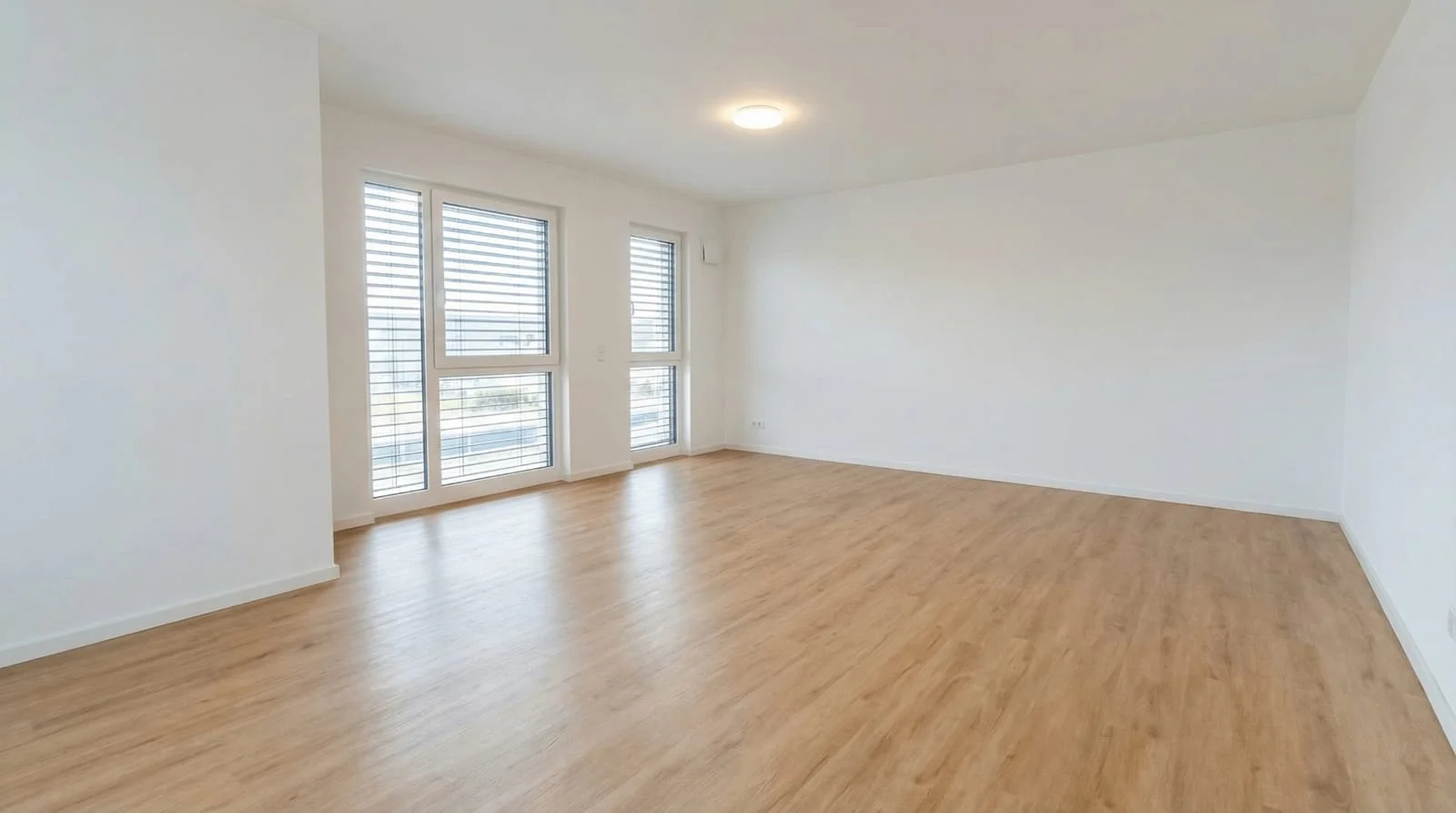 Before
Staging, other property images and videos are the common framework. AIXpose starts the generation itself; Apply Design distinguishes automatic staging and manual editorial work. Coins and credits are different units of service.
Set up empty rooms virtually with AI.
Apply DesignUse automatic staging or the additional furniture editor.
Process rooms with the function of cleaning.
Apply DesignRemove existing furniture before staging.
Optimize existing property photos with AI.
Apply DesignPrepare photos with AI enhancement.
Create single clips and complete property videos.
Apply DesignCreate property videos from a selection of property photos.
Generate another image version; renewed credit consumption.
Apply DesignChange individual furniture in the editor or re-generate the staging.
Sources: Staging, image enhancement and videos, Apply Design prices.
One credit per generated image version; PAYG reference EUR 0,80/credit
Apply Design1.5 coins; this results in 10.50–15 USD per generation, depending on the coin package
Buy credits in advance; no fixed monthly package required for PAYG
Apply DesignSeven USD/Coin from 20 coins, eight USD for 10-19 coins, ten USD for up to nine coins
Each additional image generation uses another credit
Apply DesignManual editor adjustments included; Full Staging Costs Coins Again
Discover top-tier image AI for your next interior photos and create the photo sets and videos your properties need.
View virtual stagingComparison of AIXpose based on publicly available provider information and our own product details. As of 17 September 2026. Not an independent product test.