Input photos
Upload existing listing photos and choose enhancement, staging or another image function.
 Autoenhance.ai
Built around a photo shoot: HDR merging, window pulls, perspective and colour correction.
Autoenhance.aiListing photos already exist: enhance them, stage empty rooms, then create a property video from the same files. AIXpose is built for that sequence. Autoenhance.ai focuses on photographic post-production such as HDR merging and window pulls.
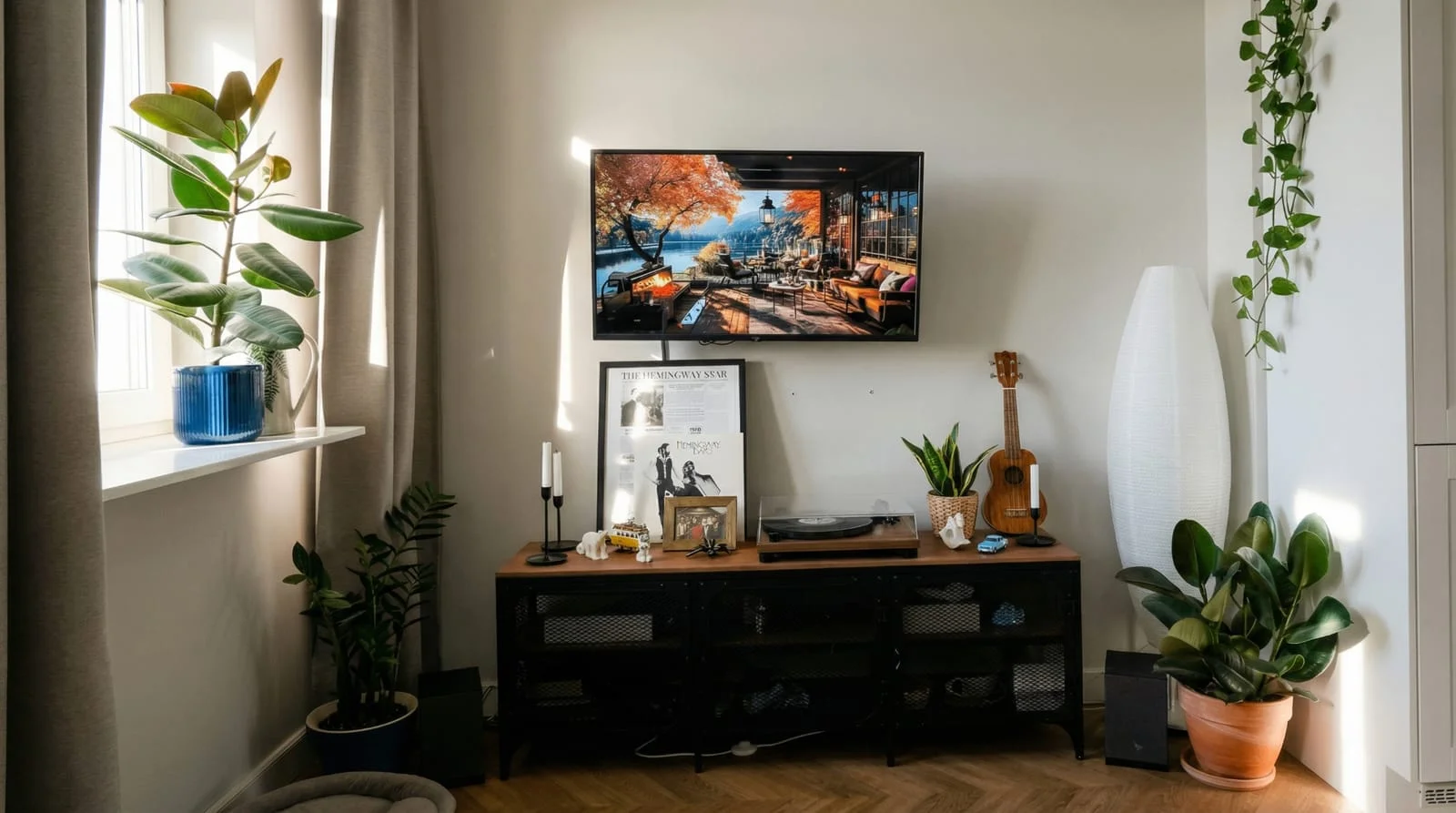 After
After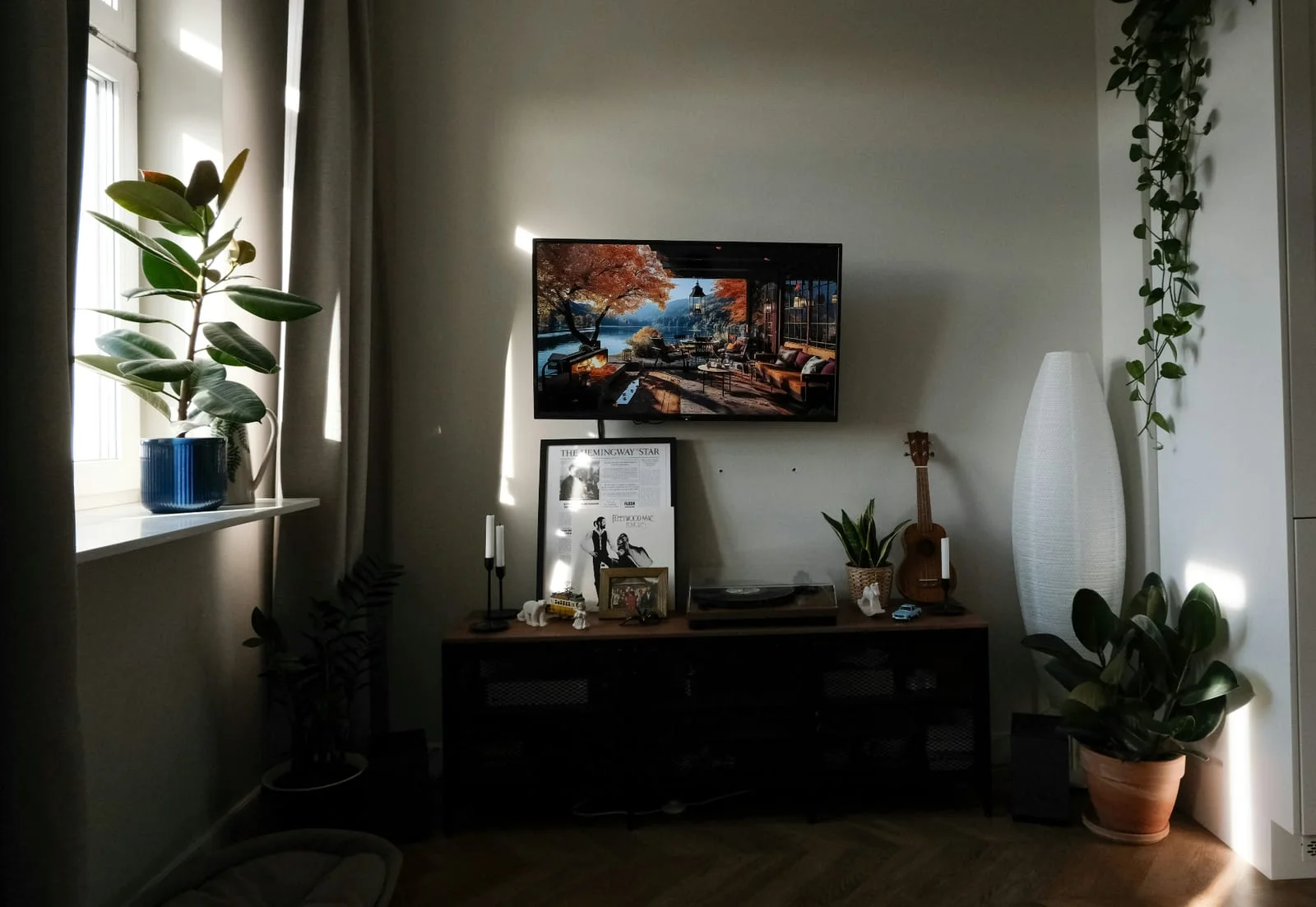 Before
Photographic correction and new marketing views are different jobs. This page does not treat one AIXpose image as a replacement for HDR merging.
Upload existing listing photos and choose enhancement, staging or another image function.
Autoenhance.aiBuilt around a photo shoot: HDR merging, window pulls, perspective and colour correction.
The enhancement function improves light, colour and sharpness on the photos you provide.
Autoenhance.aiHDR merging, window pulls, perspective and colour correction are publicly described.
Virtual staging from an existing room photo, with a choice of interior style.
Autoenhance.aiThe documented product focus is photographic post-production of the shoot, such as HDR merging and window pulls.
Several photos can be enhanced together after the shoot. Time is stated per image, not for a whole gallery.
Autoenhance.aiWhole photo sets are described as finishing in five to ten minutes, according to the vendor.
Credits are purchased in advance. Every generated image uses credits, including a new attempt. Creative image and video tools are available on every AIXpose plan, with no mandatory subscription.
Autoenhance.aiWatermarked previews are free. Unwatermarked downloads are paid per download or by subscription.
Autoenhance bills unwatermarked downloads per file or by subscription; watermarked previews are free. Published amounts are on the Autoenhance pricing page. HDR merging is a photographic task, not the same as AIXpose enhancement.
AfterBeforeUpload interiors and enhance several images together. Check each result before you use it on the listing.
Try photo enhancement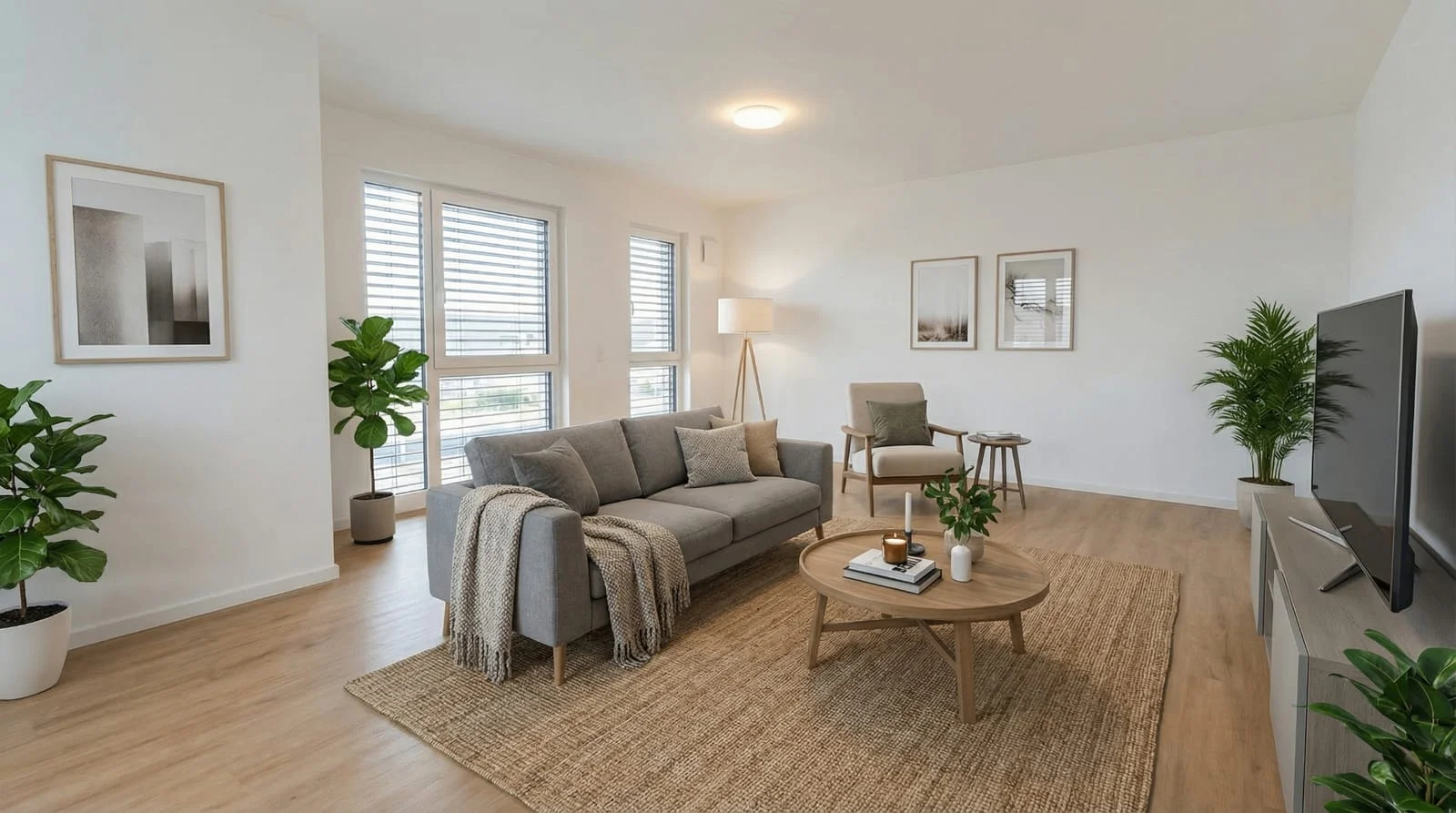 After
After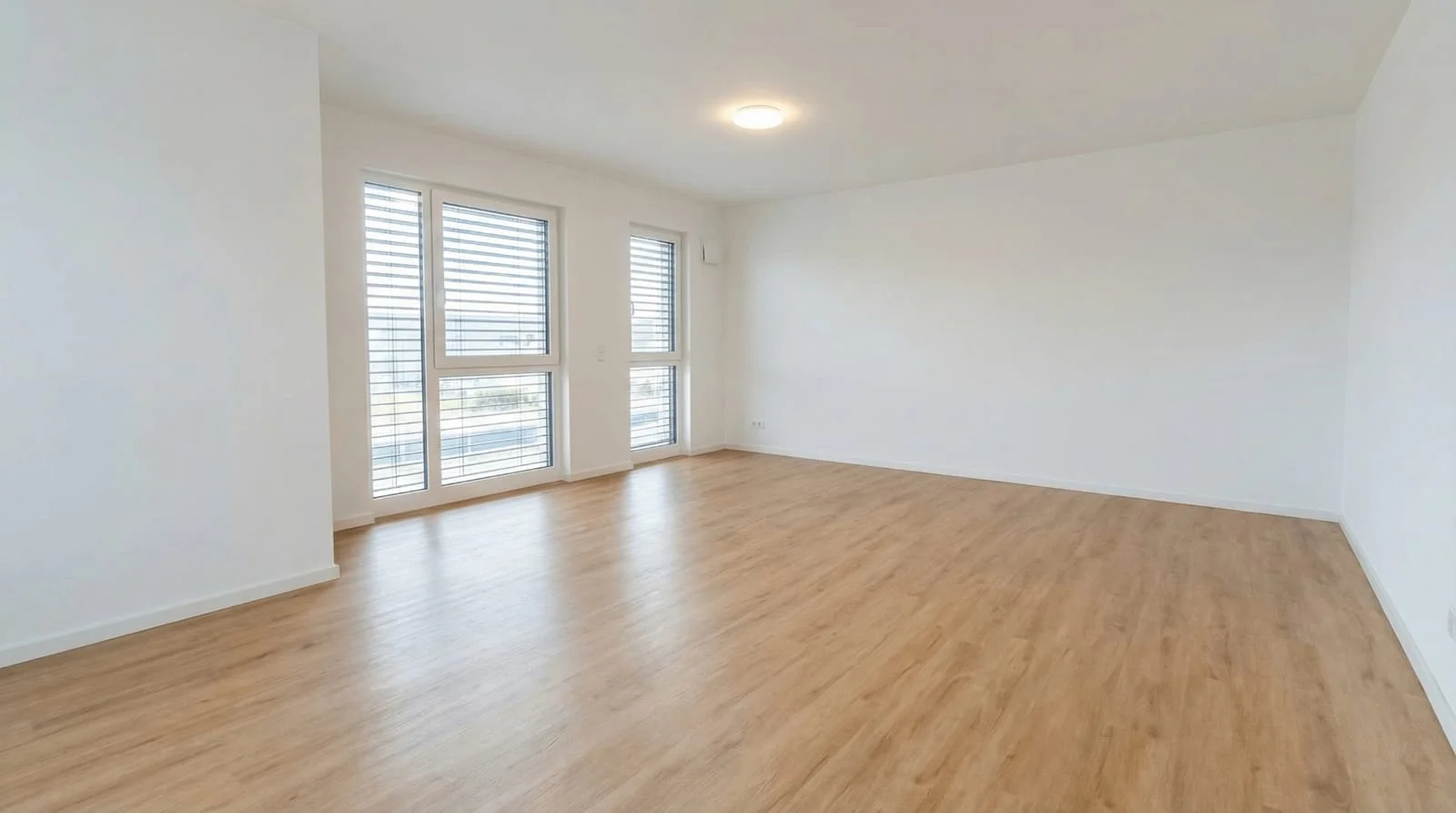 Before
Generate a furnished view from the room photo you already have. This is a new presentation, not a window pull or HDR merge.
Try virtual stagingEach generated image uses credits purchased in advance. Pay-as-you-go is published in euro on the pricing page.
Autoenhance.aiPay for unwatermarked downloads, either per file or on a subscription. Watermarked previews are free.
Under 60 seconds per image, according to the vendor. That is not a measured time for a full gallery including review.
Autoenhance.aiWhole photo sets in five to ten minutes, according to the vendor. That figure is not used here as a speed contest against per-image times.
Retrieved 16 September 2026. Autoenhance bills unwatermarked downloads per file or by subscription; published amounts are on the Autoenhance pricing page. Times are vendor statements, not a lab test.
AIXpose fits when enhancement, virtual staging or further generated images are the next task after the shoot.
Autoenhance.ai fits when HDR merging, window pulls and colour correction are the job. Paying only when you download can suit teams that preview widely before they commit.
Enhance the photos you have, or stage an empty room for the next listing.
Try photo enhancement Try virtual stagingThis comparison is published by AIXpose. It describes AIXpose image features and publicly documented Autoenhance.ai product and pricing behaviour. Retrieved 16 September 2026.