Optimizing property photos
Prepare existing property photos with photo enhancement.
 AI HomeDesign
Prepare property photos with image enhancement.
AI HomeDesignNeed for every new object She optimized photos, furnished rooms and often a video. In AIXpose, these steps are related: prepare several photos, add staging, then create clips or a complete property video. AI HomeDesign also covers the image tasks.
Enhancement, staging and decluttering are common skills. AIXpose continues the same footage to single clip and complete property video.
Prepare existing property photos with photo enhancement.
AI HomeDesignPrepare property photos with image enhancement.
Use virtual staging for existing interior photos.
AI HomeDesignUse virtual staging for existing interior photos.
Use decluttering as a ready-made property tool.
AI HomeDesignUse Item Removal for distracting image content.
Upload existing, including property photos you have taken yourself.
AI HomeDesignUpload existing property photos and select a editing tool.
Enhance several photos together and edit images of several properties.
AI HomeDesignPhoto editing with single and multiple uploads.
Create single clips and complete property videos in the same application.
AI HomeDesignThe public feature overview describes photo editing, staging and renovation views.
Sources for the comparison: AI HomeDesign: feature overview, Photo editing and multiple uploads.
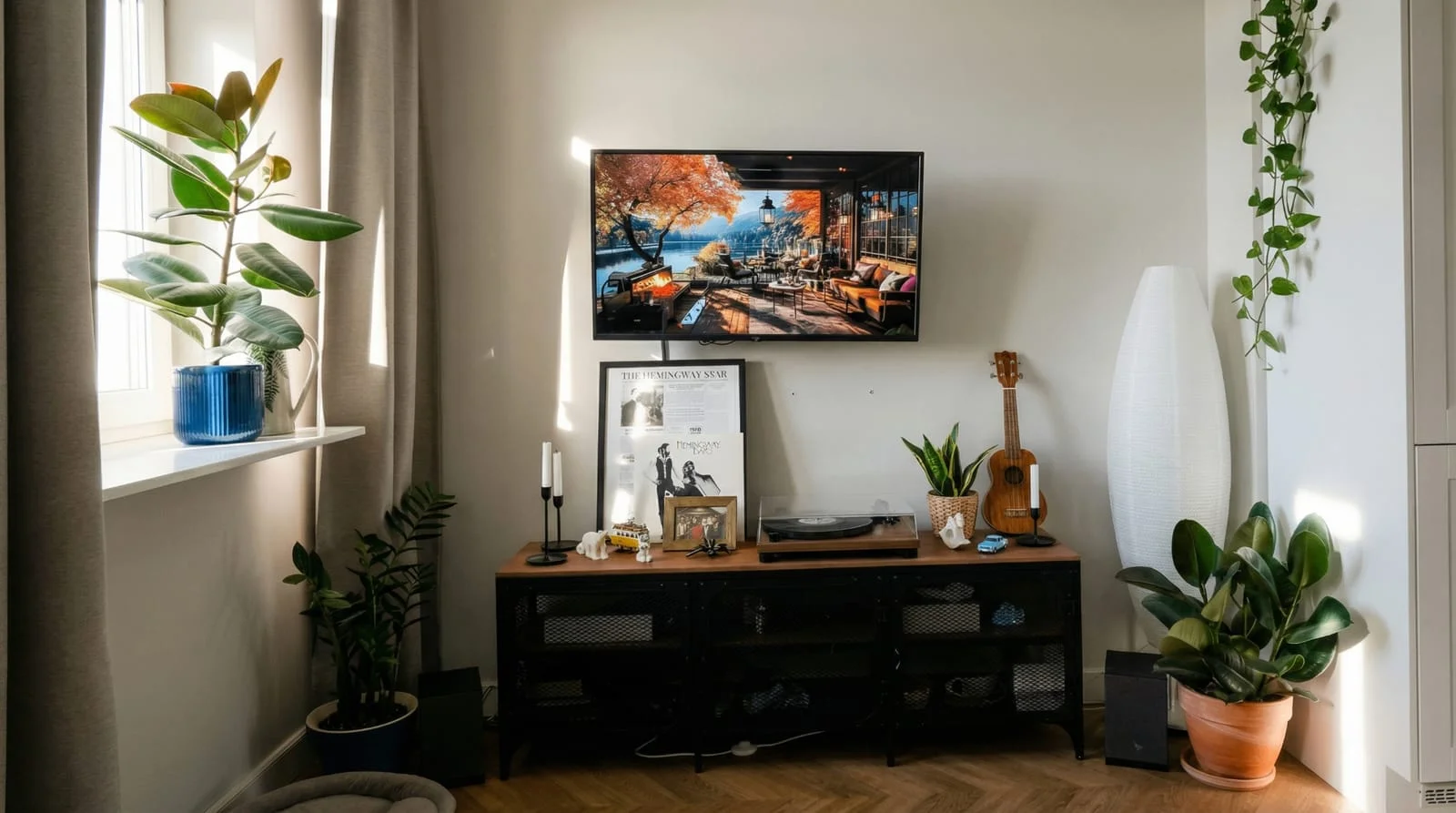 After
After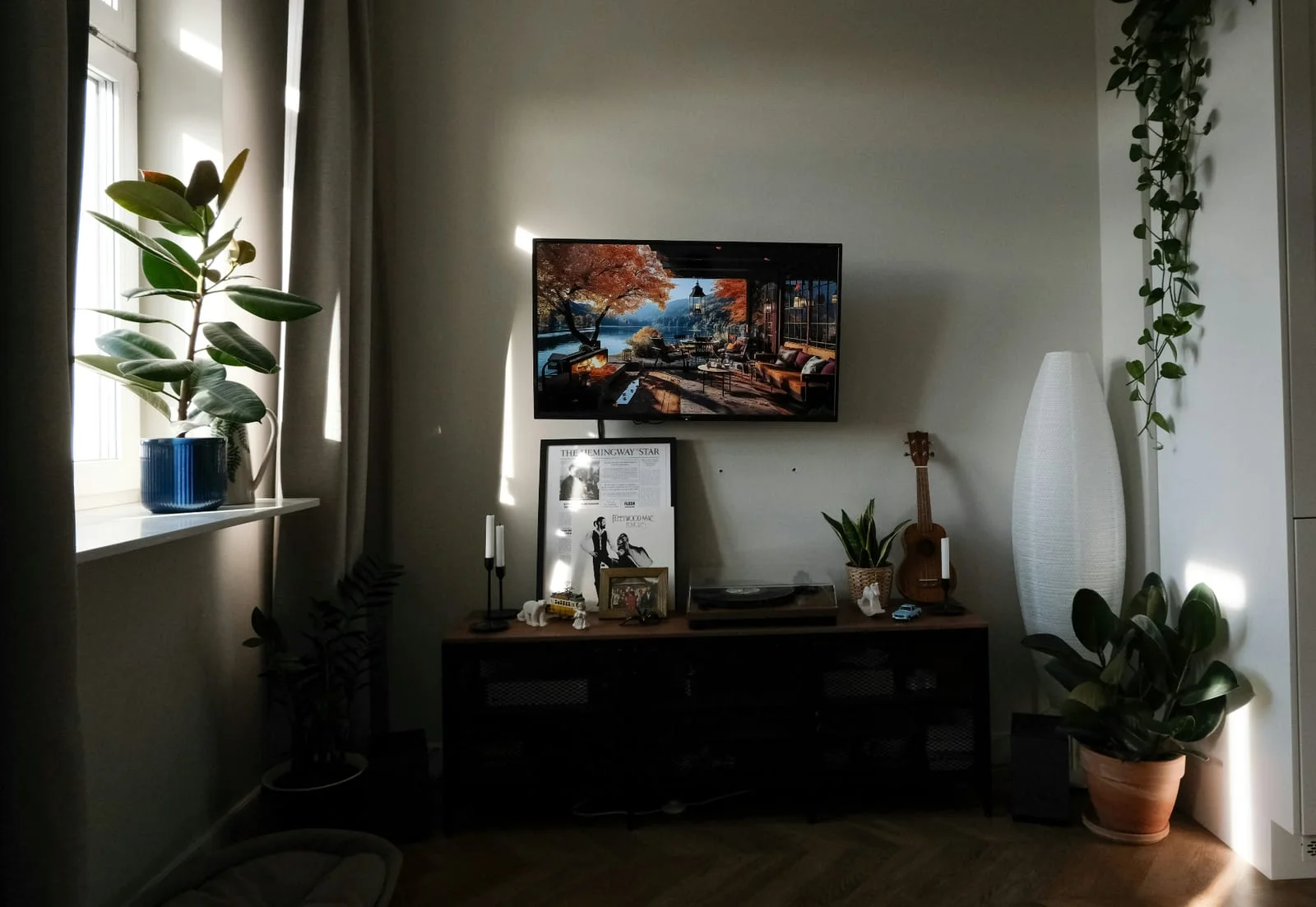 Before
Discover how you can prepare your property photos with AIXpose and use them directly for property videos.
View property videosComparison of AIXpose based on publicly available provider information and our own product details. As of 17 September 2026. Not an independent product test.