Virtual staging
Set up empty rooms via the staging function.
 REimagineHome
Use virtual staging for property photos.
REimagineHomeCreative feature access without plan filter for image and video: In AIXpose, enhancement, staging and video are available in every plan. REimagineHome provides staging and image editing; Listing Batch Processing is there in the provided plan.
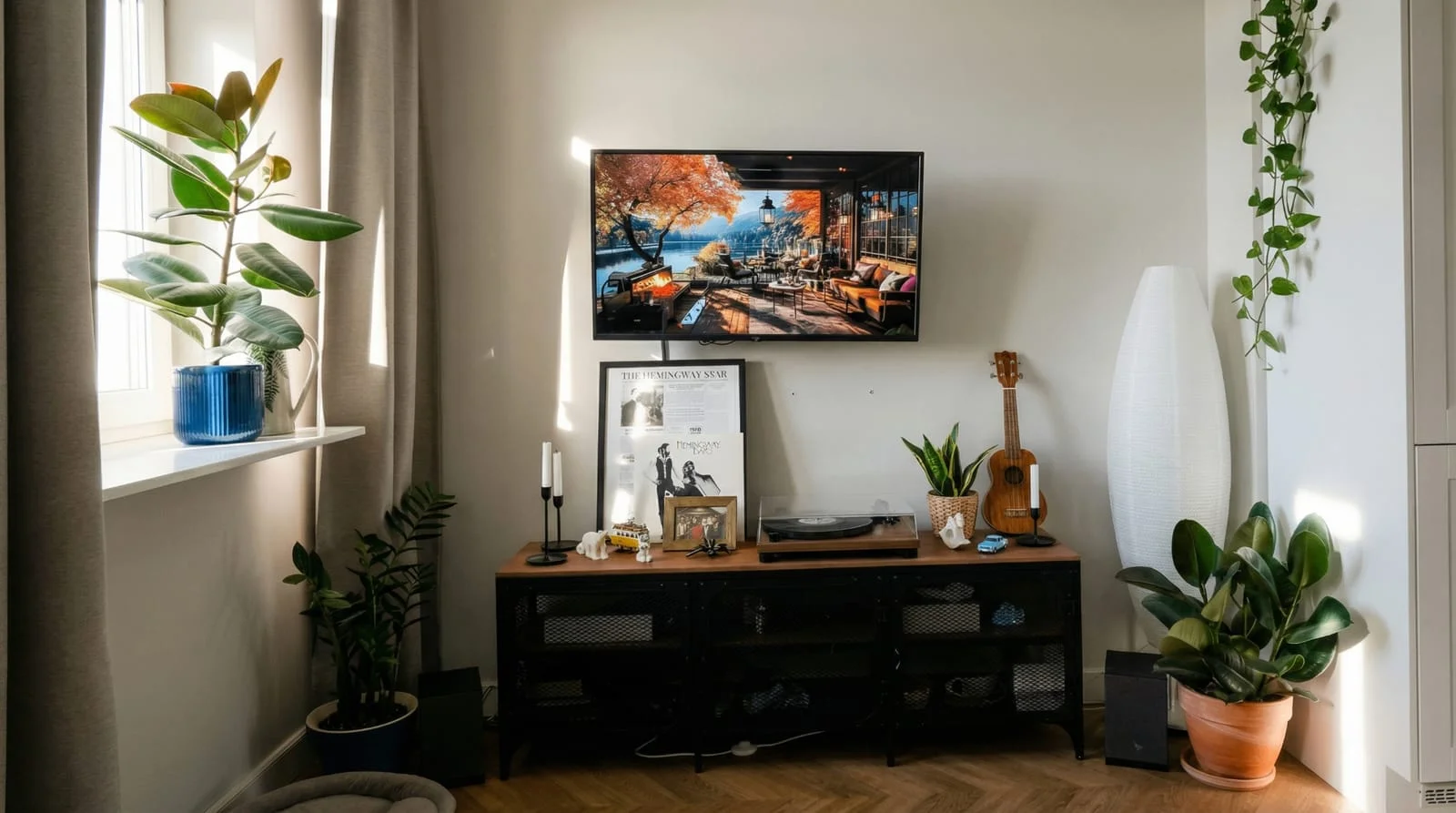 After
After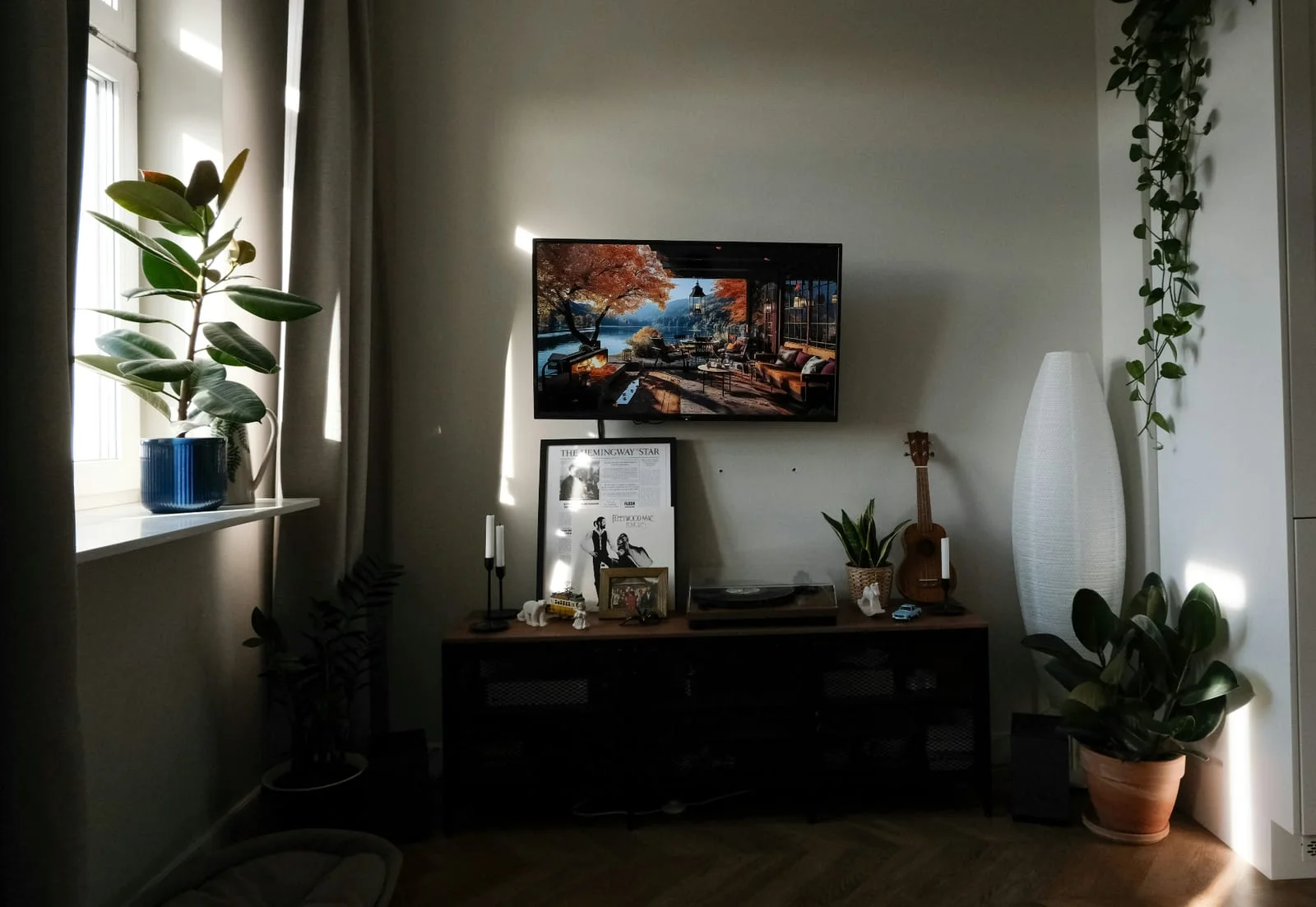 Before
Shared photo enhancement without a Pro upgrade
All creative functions in every plan
Directly create property videos
Common property presentation tasks. Difference: AIXpose opens creative image and video features in every plan; Listing Batch Processing at REimagineHome follows the planned plan.
Set up empty rooms via the staging function.
REimagineHomeUse virtual staging for property photos.
Prepare property photos with photo enhancement.
REimagineHomeUse the available tools for image enhancement.
Choose decluttering for distracting image content.
REimagineHomeDecluttering or removing image content.
Enhance several photos together; usable in each plan.
REimagineHomeUse listing stack processing in the designated plan; listed in Pro and above.
Prepaid credits without a mandatory monthly subscription.
REimagineHomeMonthly credit rates.
Single clips and complete property videos in AIXpose.
REimagineHomeThe public core offer focuses on staging and image editing front and centre.
Sources: Product overview, REimagineHome plans.
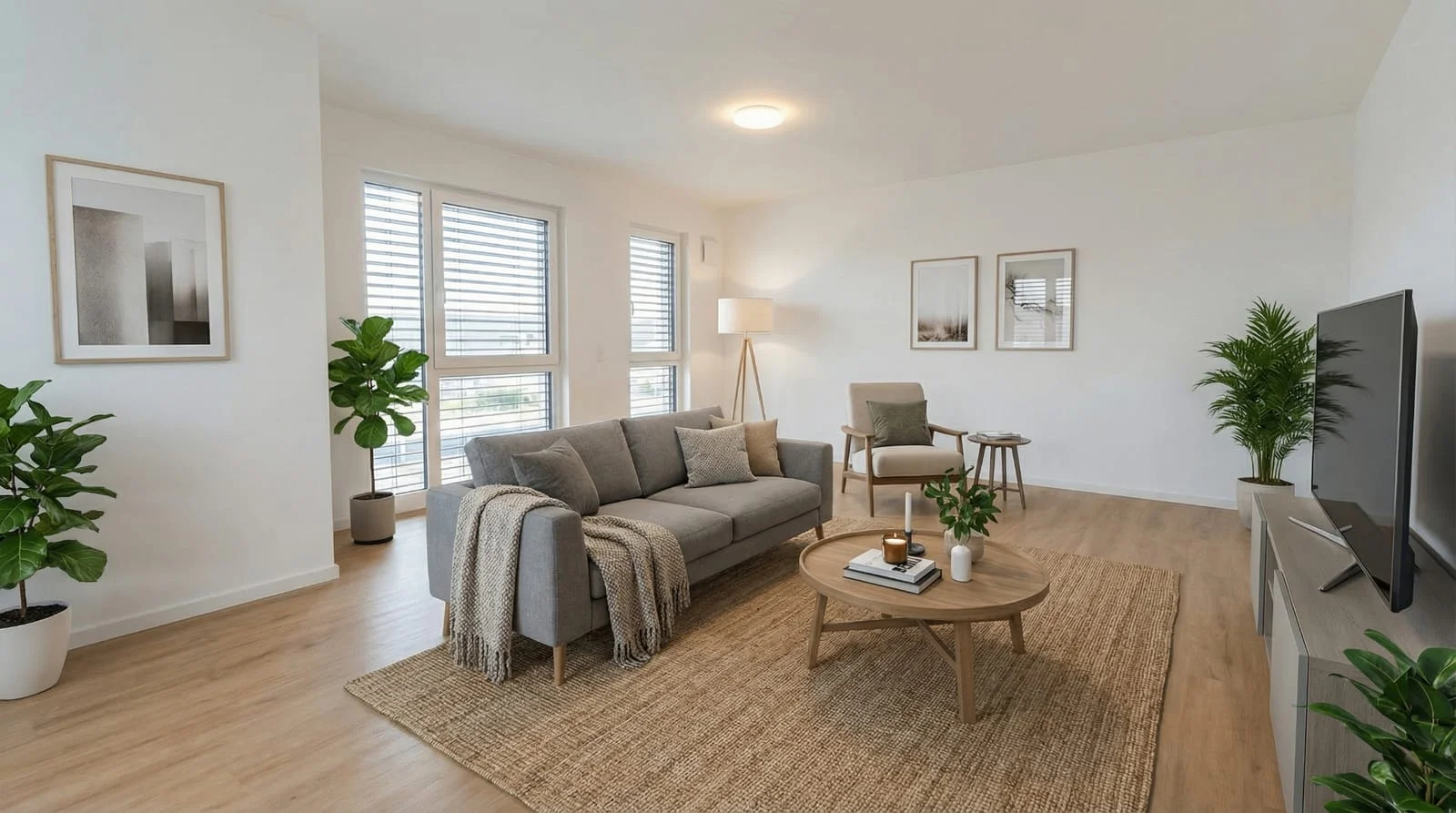 After
After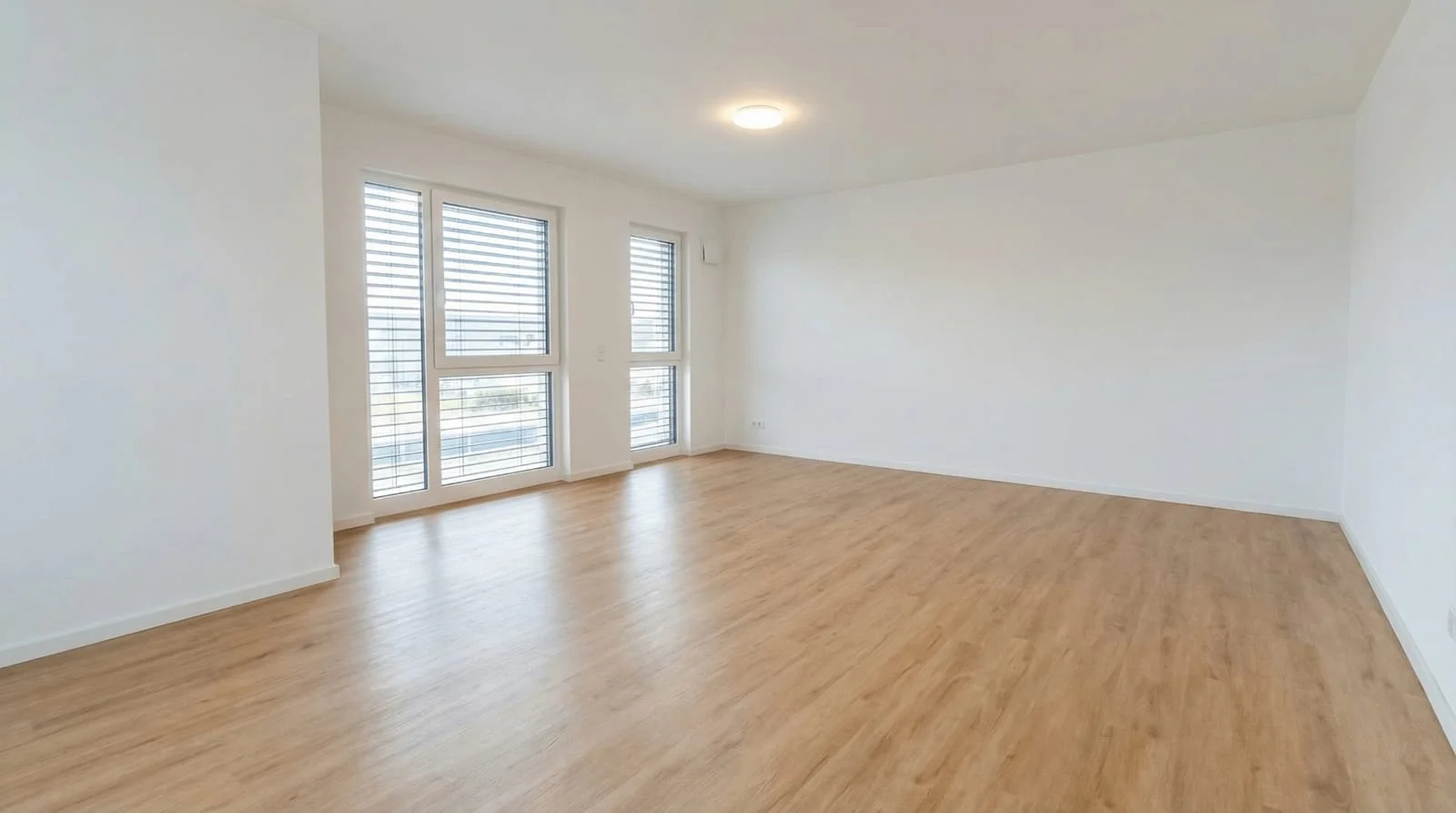 Before
Enhance multiple photos together, add staging and create videos directly. With all the creative features in every plan.
Optimize your own property photosComparison of AIXpose based on publicly available provider information and our own product details. As of 17 September 2026. Not an independent product test.