Editing your own images
Use existing property photos in the property-specific tools.
 Midjourney
Change your own images with the edit model and editor.
MidjourneyEdit existing property photos with property-specific tools and create complete property videos. In AIXpose, enhancement, staging and video follow the same process. Midjourney edits images in the editor and can animate single images.
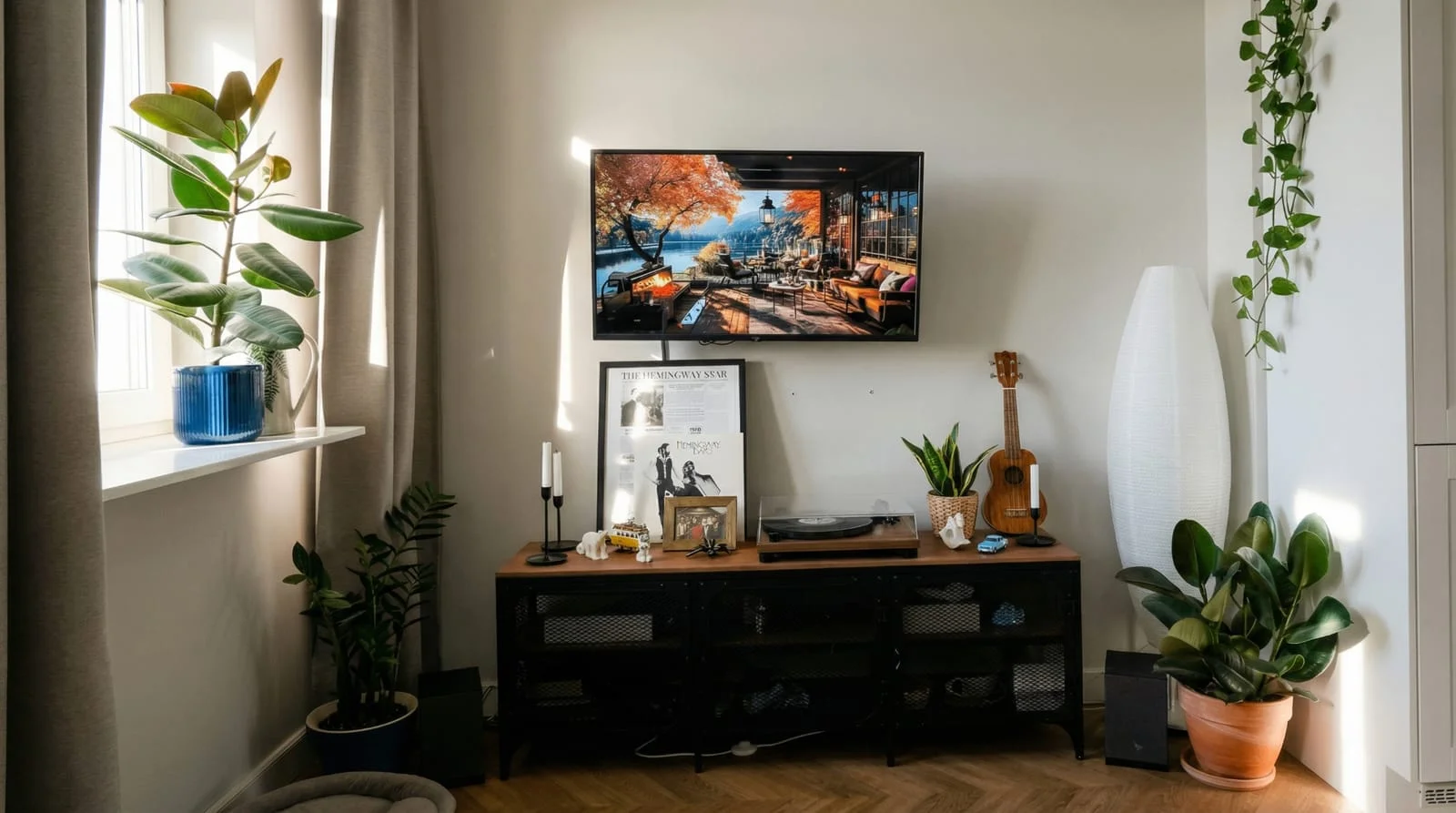 After
After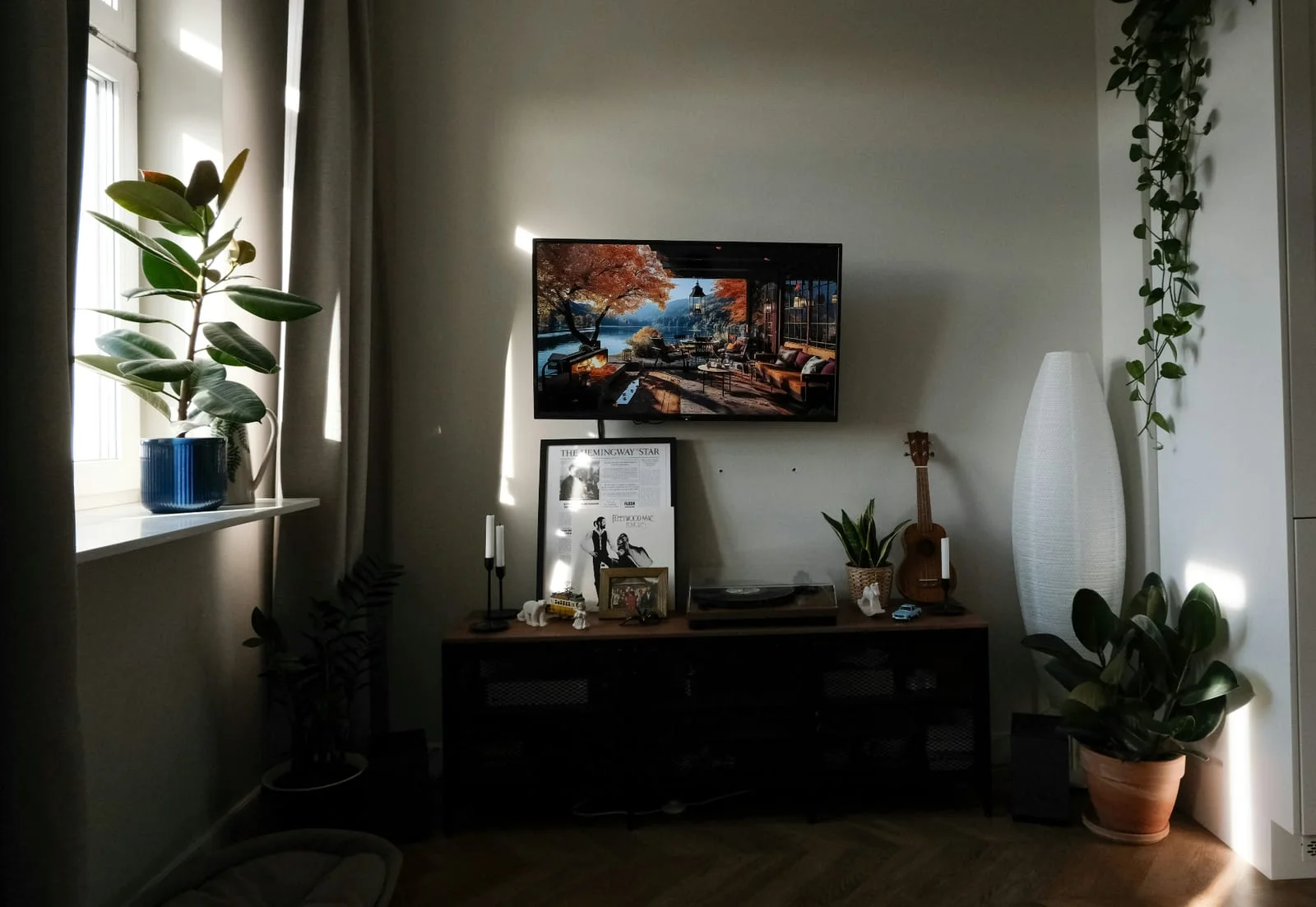 Before
Finished property-specific tools
Enhance multiple photos together
Images and videos without mandatory subscription
Midjourney offers an image editor and the animation of individual images. With AIXpose you can edit property photos via ready-made property tools and then create property videos.
Use existing property photos in the property-specific tools.
MidjourneyChange your own images with the edit model and editor.
Set up rooms virtually or remove distracting objects.
MidjourneyChange image content via change instructions and targeted area processing.
Generate single clips from own property photos.
MidjourneyUse image-to-video for uploaded or generated images.
Optimize several existing property photos together and process different properties.
MidjourneyOrganize images in folders and use multiple outputs and bulk actions.
Create a complete property video from an image selection.
MidjourneyImage-to-video as a single-image animation; a property video from several property photos is not shown as a separate function in the checked data.
Photo enhancement, staging and decluttering as ready-made property tools; no your own editing prompts necessary.
MidjourneyImage changes via instructions in the edit model and tools in the editor.
Prepaid credits without a mandatory monthly subscription.
MidjourneyMonthly or annual subscription with GPU time and plan-dependent relaxation mode.
Sources: Midjourney Edit Model, Midjourney Video, Organisation, Midjourney plans.
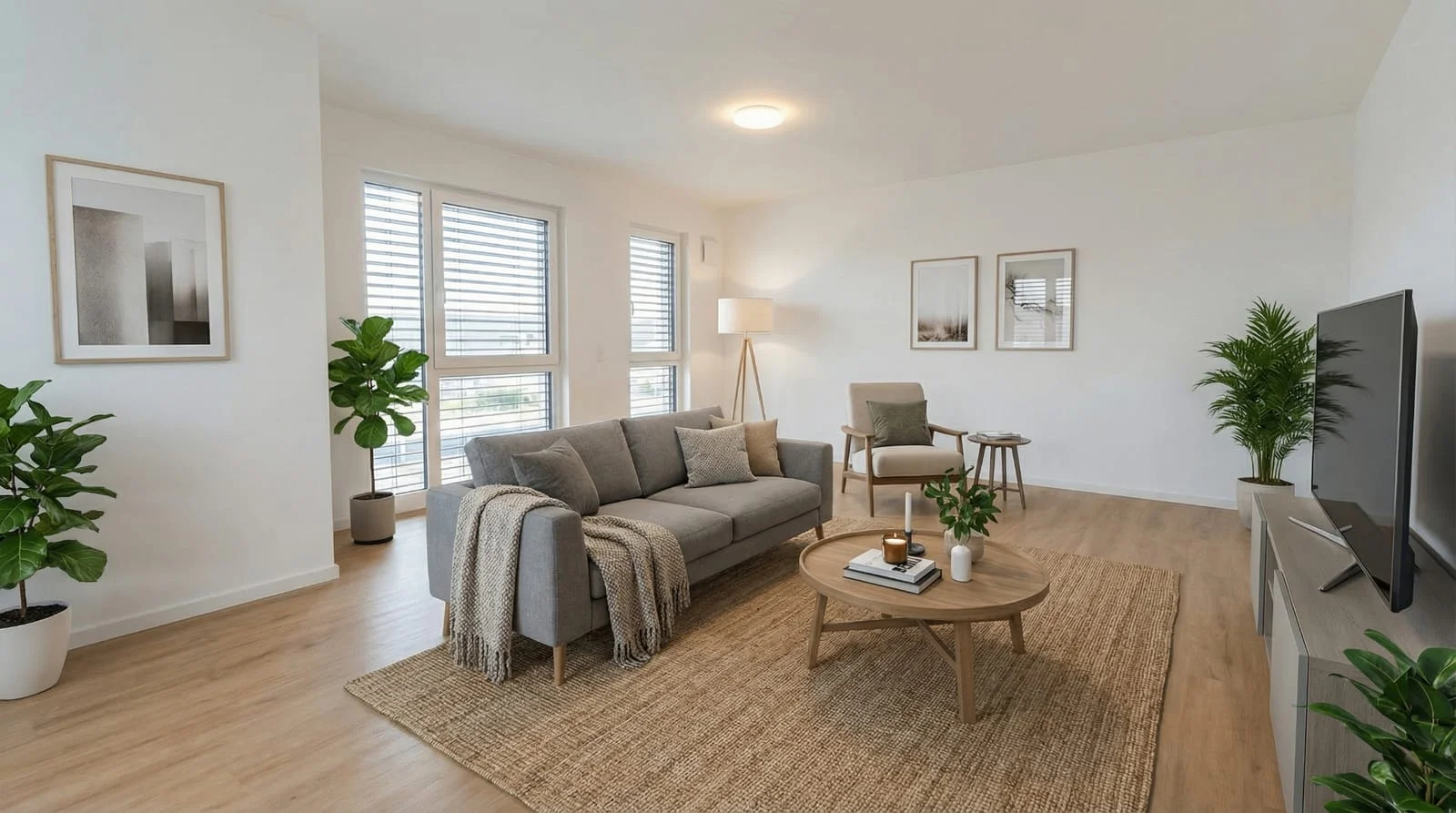 After
After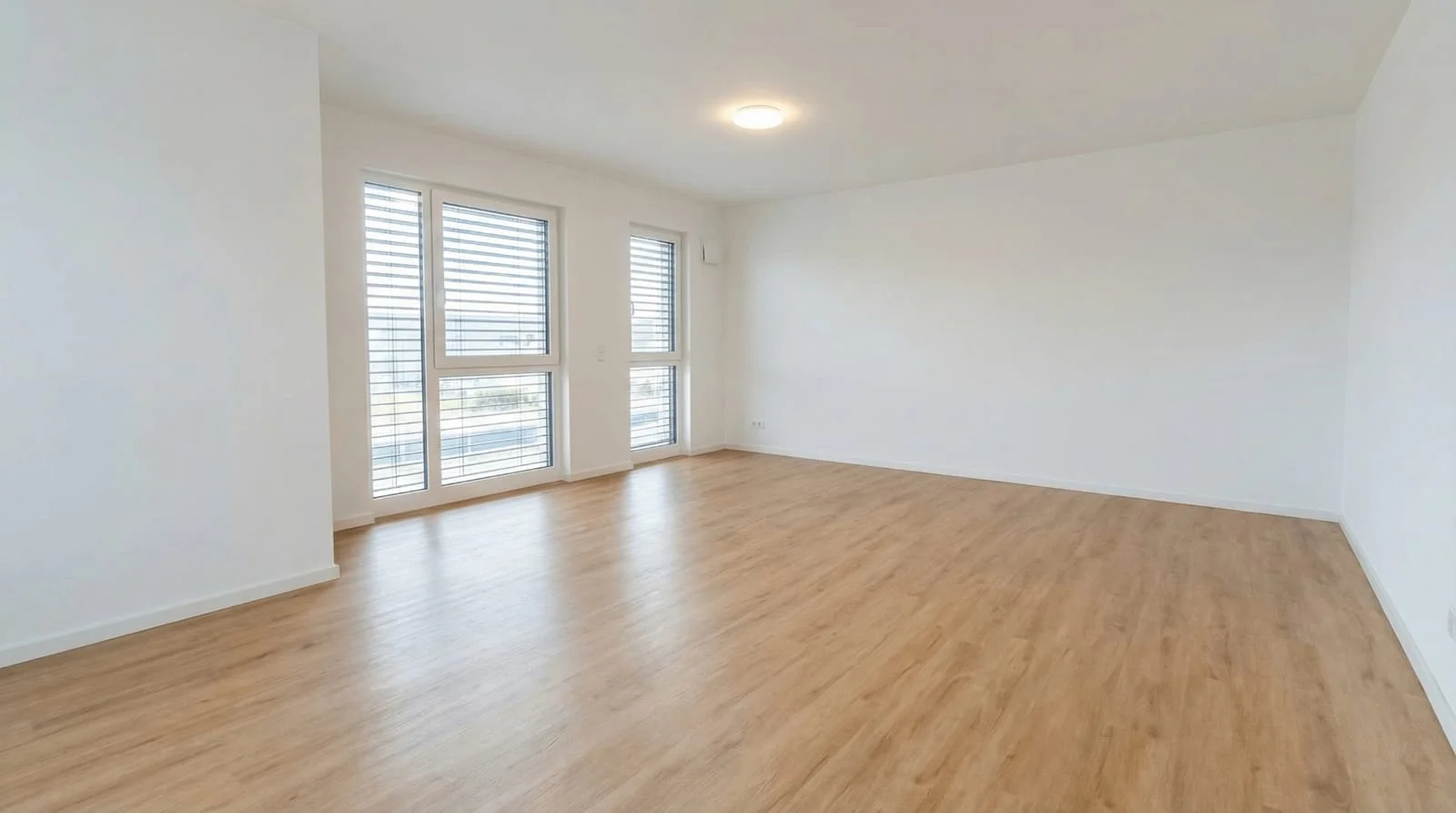 Before
Optimize several shots together, show empty rooms with virtual staging and create videos for your online listing.
Optimize your own property photosComparison of AIXpose based on publicly available provider information and our own product details. As of 17 September 2026. Not an independent product test.