Editing existing photos
Use your own property photos for enhancement, staging or decluttering.
 FLUX im offiziellen BFL-Zugang
Change existing images in the official BFL access with the offered image editing models.
FLUXYou need a finished property marketing application, not a model to install. In AIXpose, enhancement, staging and video follow the same process. Compared is the official FLUX offer, not every app that uses the same model.
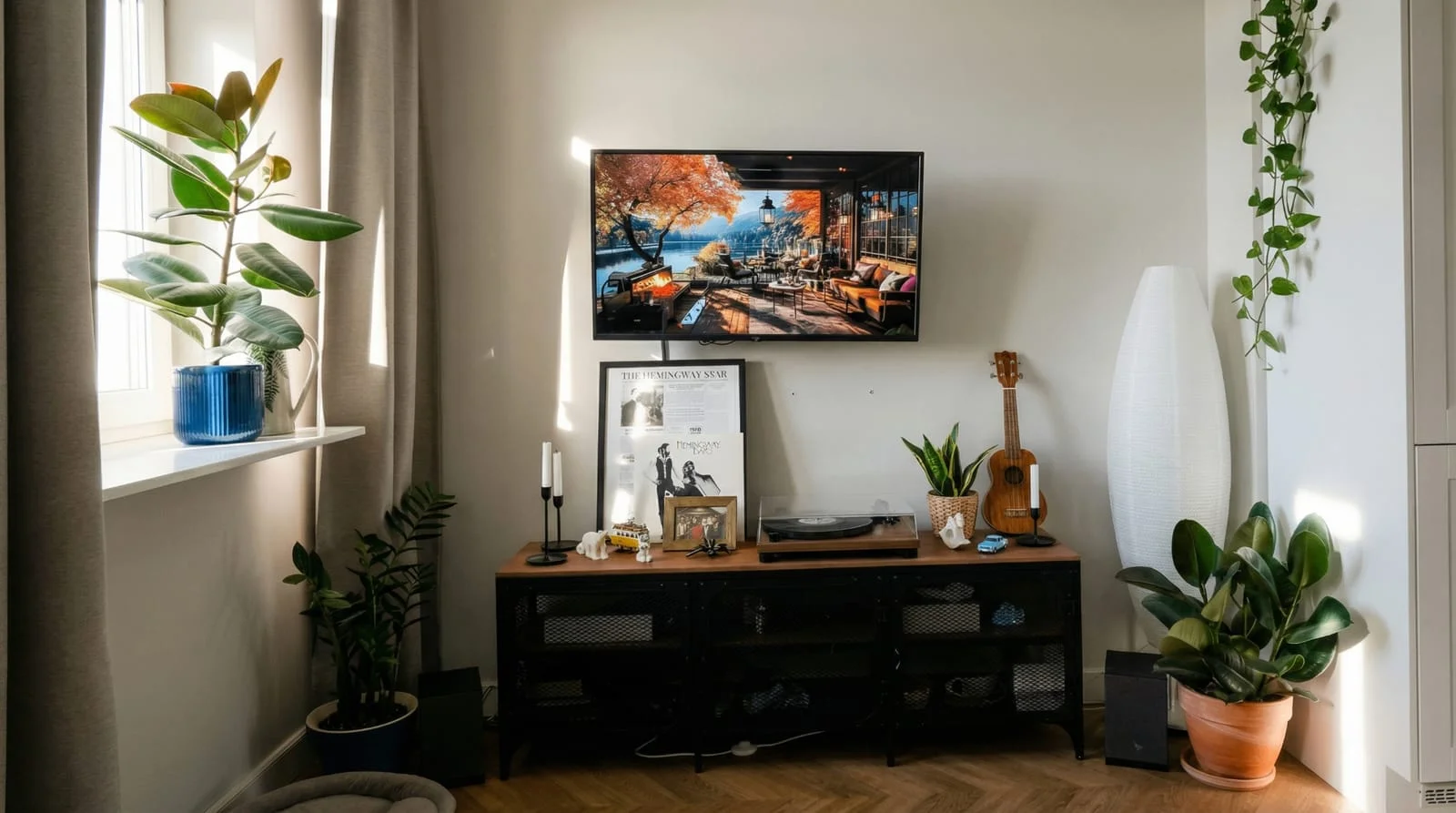 After
After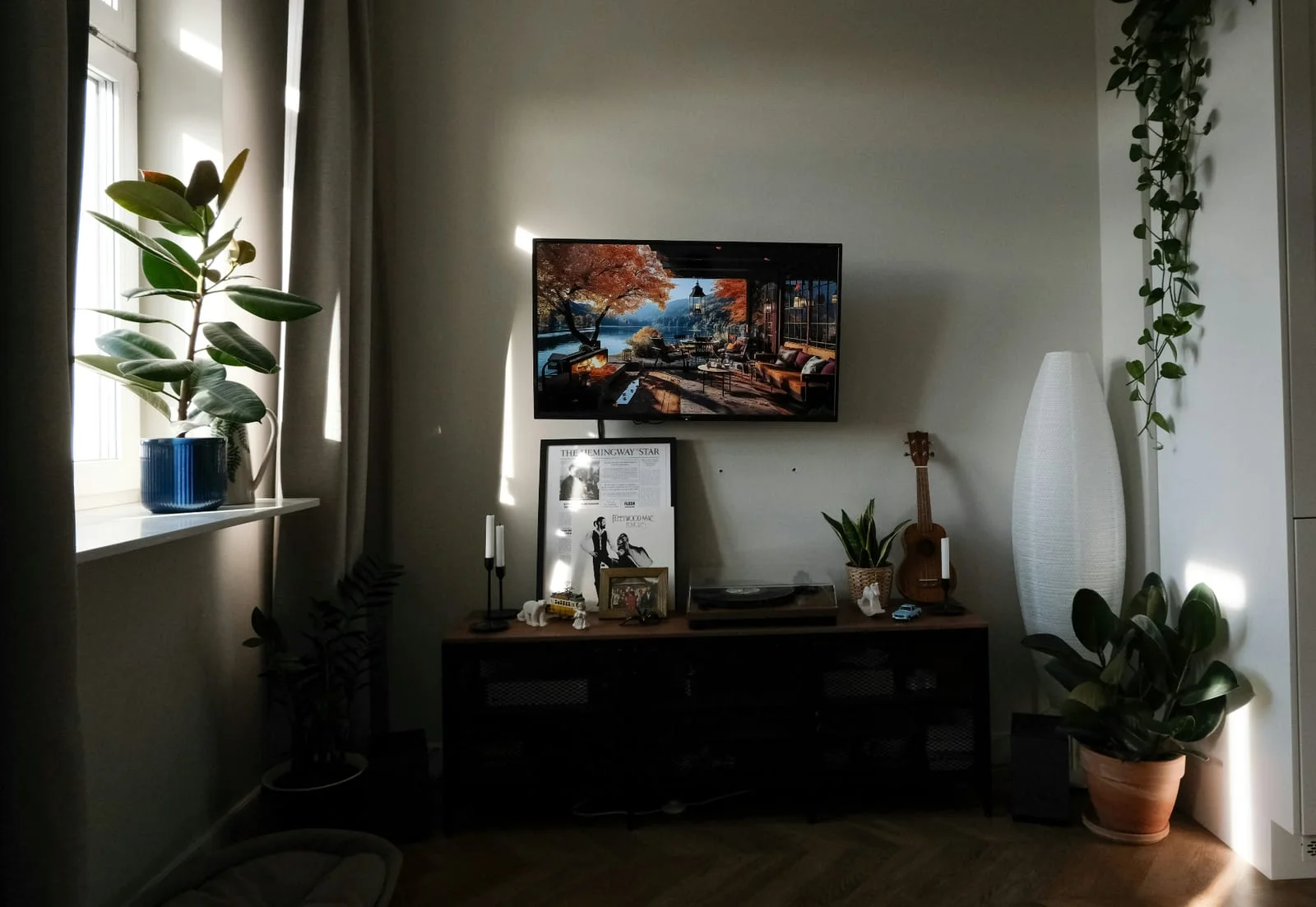 Before
Ready-made tools for real estate
Enhance multiple photos together
Directly create property videos
AIXpose and FLUX image editing can build on existing images and modify image content. AIXpose makes the recurring tasks for agents accessible via ready-made property tools. Compared is the official BFL access; applications from other providers can build their own functions on this.
Use your own property photos for enhancement, staging or decluttering.
FLUX im offiziellen BFL-ZugangChange existing images in the official BFL access with the offered image editing models.
Set up empty rooms via virtual staging.
FLUX im offiziellen BFL-ZugangUse image editing and references also for interior designs.
Upload photo and choose the ready-made property tool.
FLUX im offiziellen BFL-ZugangSelect the model and describe the desired editing.
Optimize several property photos together and use the functions for other properties.
FLUX im offiziellen BFL-ZugangSupported models incorporate multiple reference images into a result.
Create single clips or complete property videos directly from your property photos.
FLUX im offiziellen BFL-ZugangWith FLUX 3, BFL also offers video creation based on text, images or keyframes.
Sources: BFL operation, multiple image references, FLUX 3. Multiple references for a result and the enhancing photos together of several photos are different tasks; This does not result in a blanket judgment about all possible FLUX processes.
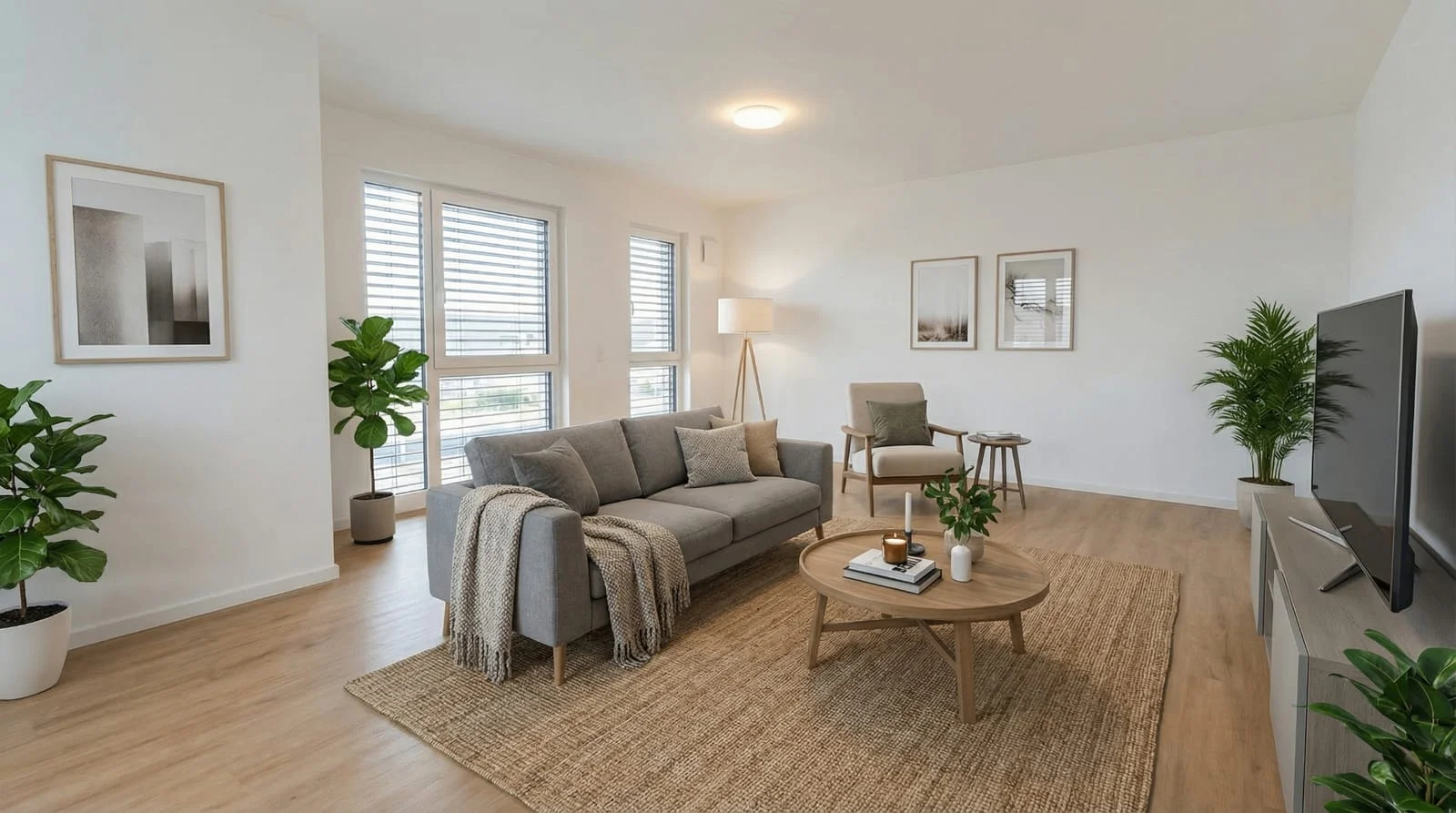 After
After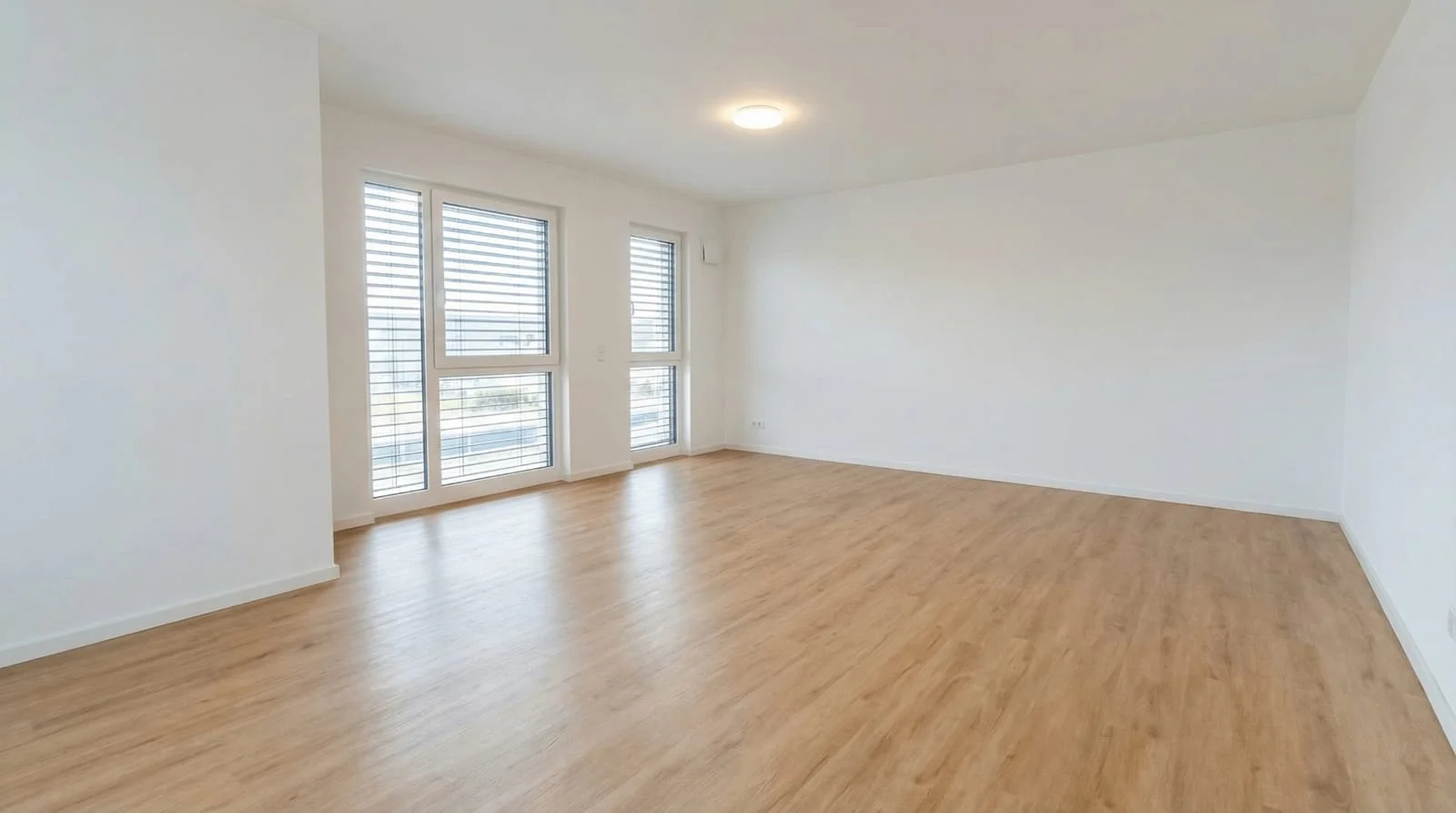 Before
Enhance several photos together and add the edits that your marketing needs. The appropriate property-specific tools are available.
Optimize your own property photosComparison of AIXpose based on publicly available provider information and our own product details. As of 17 September 2026. Not an independent product test.