Editing images with AI
Optimize, stage or clean up existing property photos.
 Ideogram
Modify images with the offered image editing tools, including for object removal.
IdeogramEdit existing property photos with ready-made tools: in AIXpose you choose enhancement, staging or decluttering and can start several shots together. Ideogram describes batch as a list of prompts — that is a different stack from a property photo gallery.
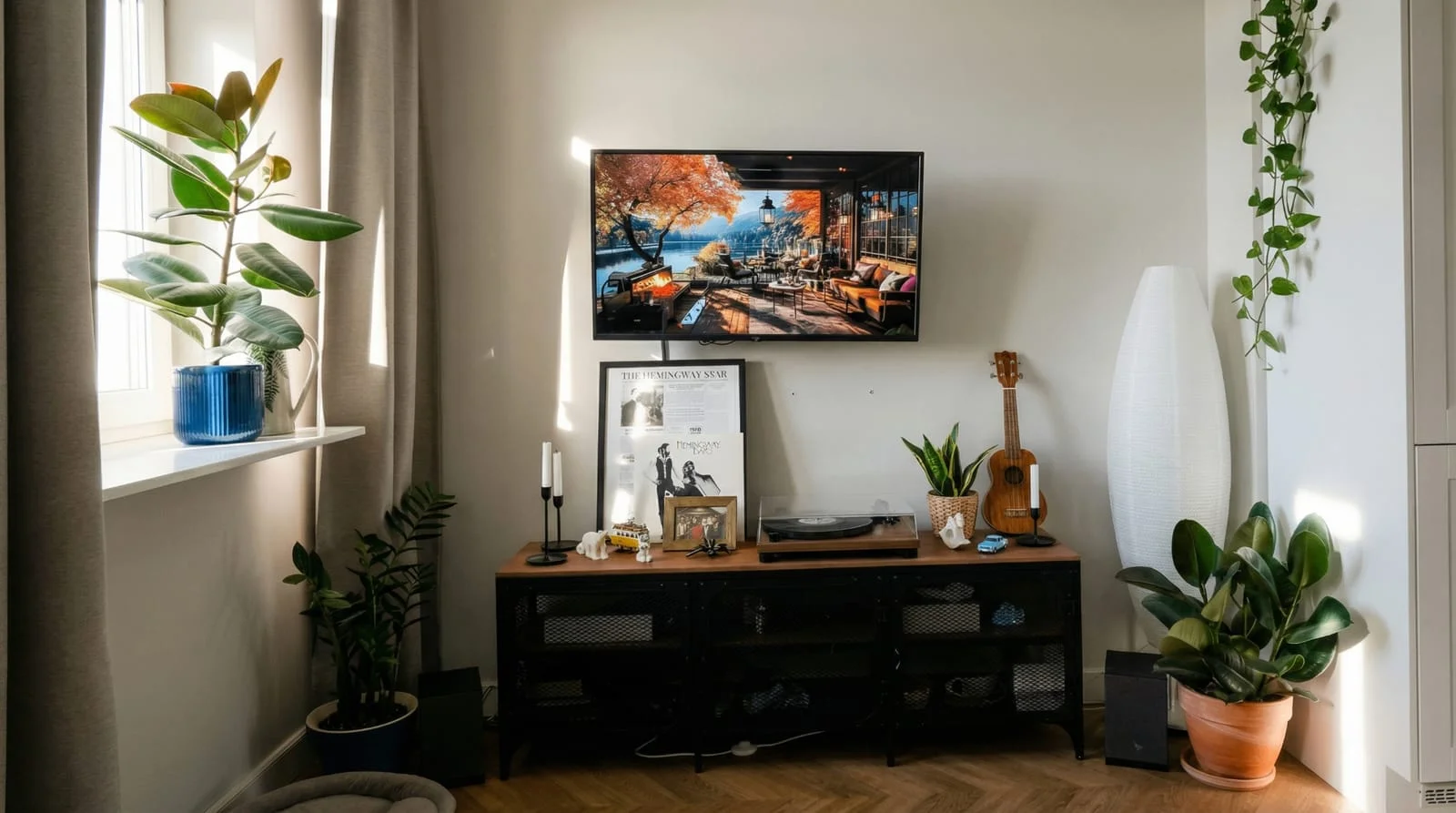 After
After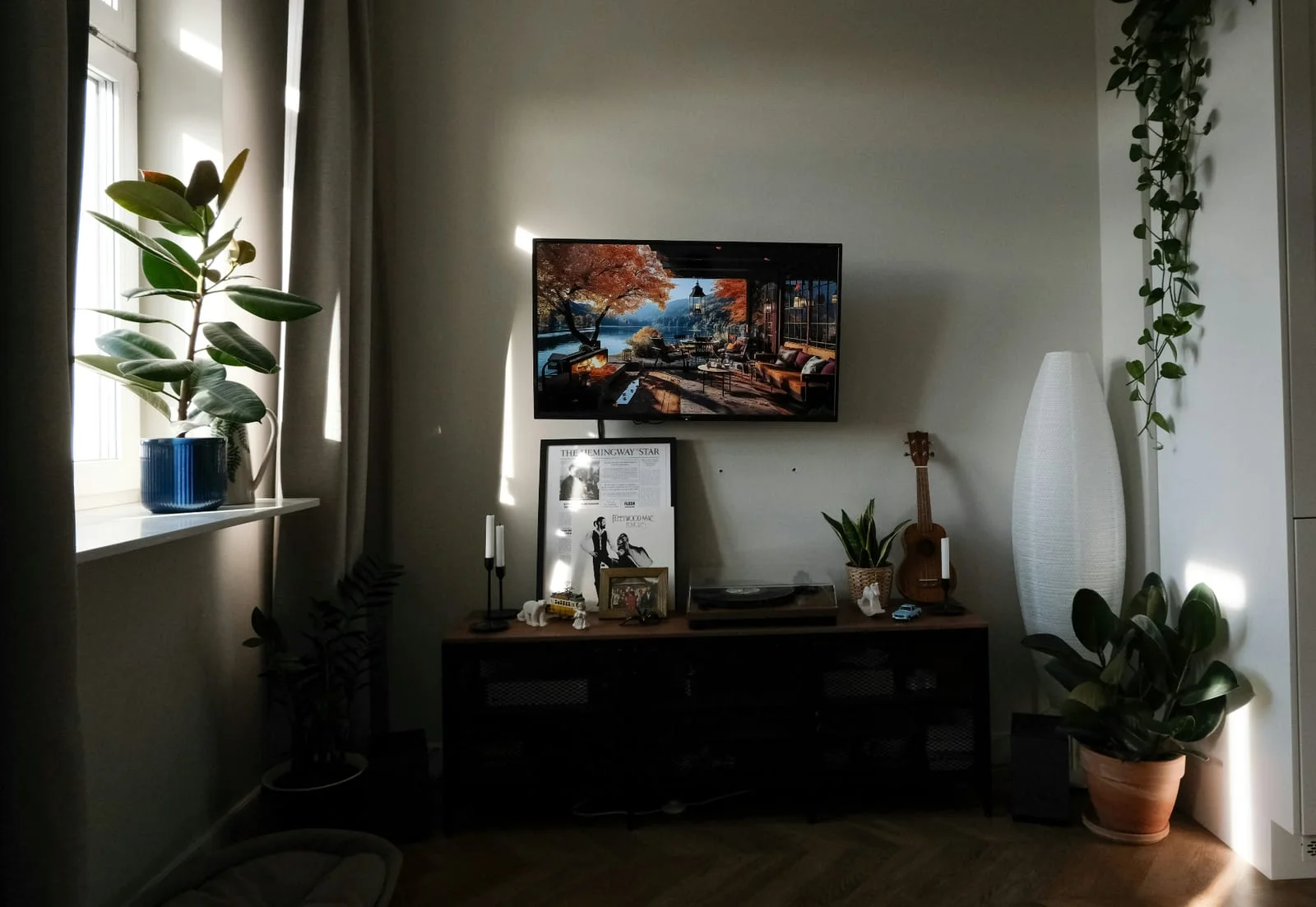 Before
Optimize multiple property photos together
Do not prepare a prompt table
Directly create property videos
Both edit images with AI and create variants. The difference: AIXpose starts ready-made property tools for your property photos; Ideogram bundles several prompts in a stack.
Optimize, stage or clean up existing property photos.
IdeogramModify images with the offered image editing tools, including for object removal.
Generate another version directly; Each generation uses credits.
IdeogramFurther edit images in the creative work area and create variants.
Optimize several existing property photos together.
Ideogramuse batch generation with prepared orders; the workflow is different from photo enhancement.
Upload photos and choose the property function; No prompt table is required.
IdeogramThe documented batch function processes tables with prompts and settings; Next to it are creative tools without this table flow.
Use the ready-made workflow for the images of other properties.
IdeogramSet own design specifications and the required sequence in the available tools.
All creative image and video features in each plan; Prepaid credits without a monthly subscription.
IdeogramThe documented batch function depends on the plan and account and is typically offered with Pro or Team.
Starting multiple images together is possible for both, but not the same procedure: property gallery in AIXpose, prompt list in Ideogram. Sources: Ideogram product overview, Ideogram batch function.
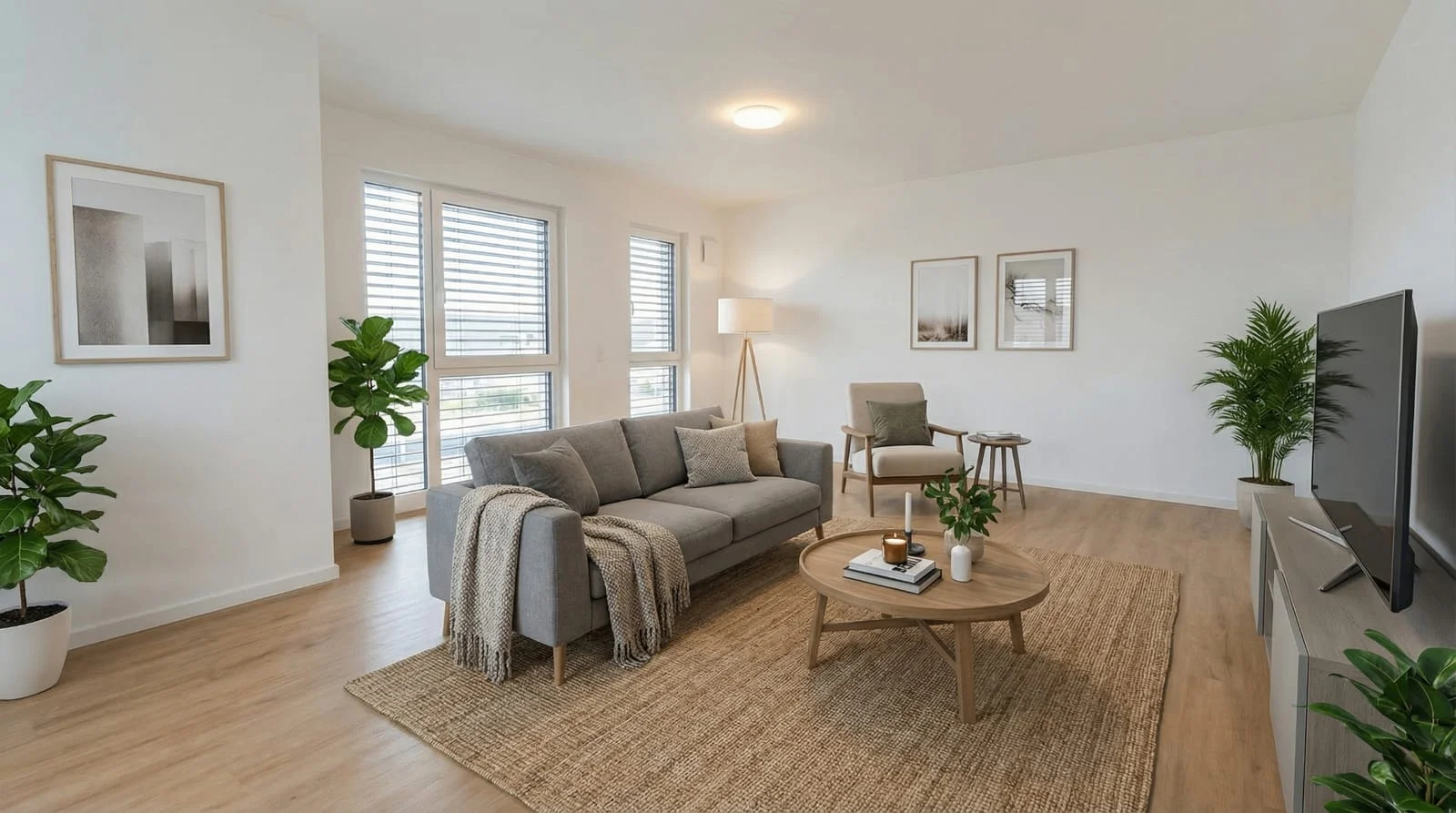 After
After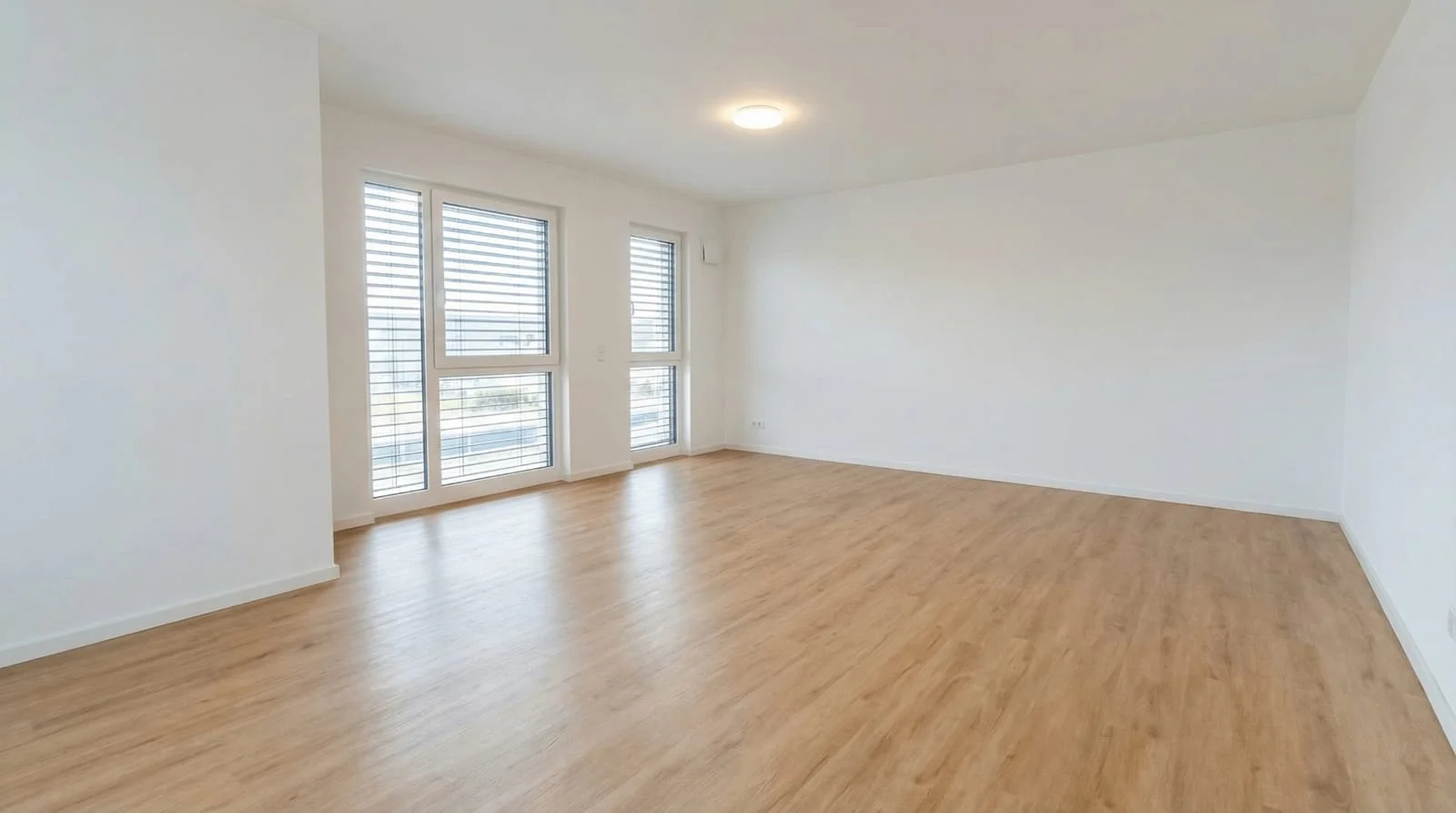 Before
Upload your existing photos. Enhance multiple photos together and add the images and videos you need for your marketing.
Optimize your own property photosComparison of AIXpose based on publicly available provider information and our own product details. As of 17 September 2026. Not an independent product test.